iApartments
Intelligent apartments that just work.
An intelligent-apartments platform, founded 2018 in Tampa. A hub in every unit connects locks, thermostats and leak sensors to a resident app, a Site Team app and a web portal. I designed every screen and surface.
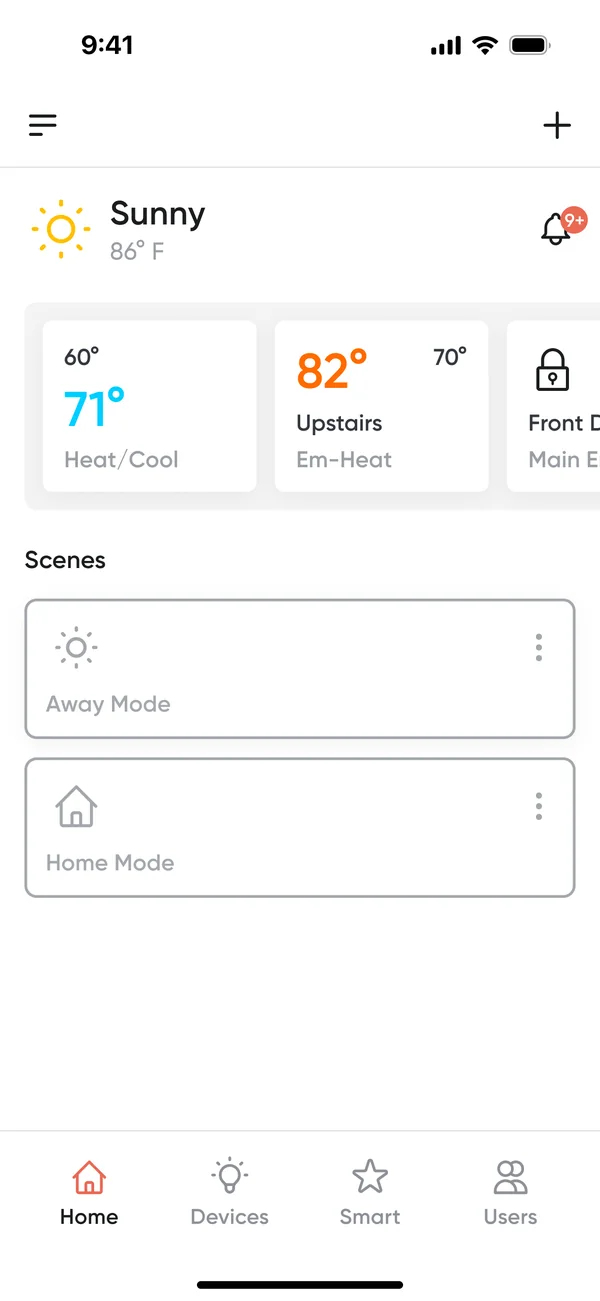
One platform, four surfaces, one designer.
Make a connected apartment effortless for residents, and give the people who install and run it the clarity to act fast.
want doors and comfort that just respond.
need installs that never fail silently.
must catch leaks and HVAC issues early.
I used AI lightly here, with Claude Design and Figma Make for early screen explorations and ideas. The flows, states, edge cases and every final screen were designed by me.
I didn’t start from zero: I inherited live products.
All three products were live when I joined, but basic and confusing. I evolved them in steps: first what the code allowed, then a fully modern system.
 Admin Portaladmin | Logout
| Type | Count | |
|---|---|---|
| Leak alerts | 1 | View |
| Humidity alerts | 4 | View |
| Low battery locks | 0 | View |
| Low battery sensors | 0 | View |
| Hub no power | 1 | View |
| Offline hubs | 10 | View |
- View communities
- View users
- Add user
- List firmware
- Upload firmware
- List feeds
- Upload feed
- View deployments
- View hubs
- View inspections
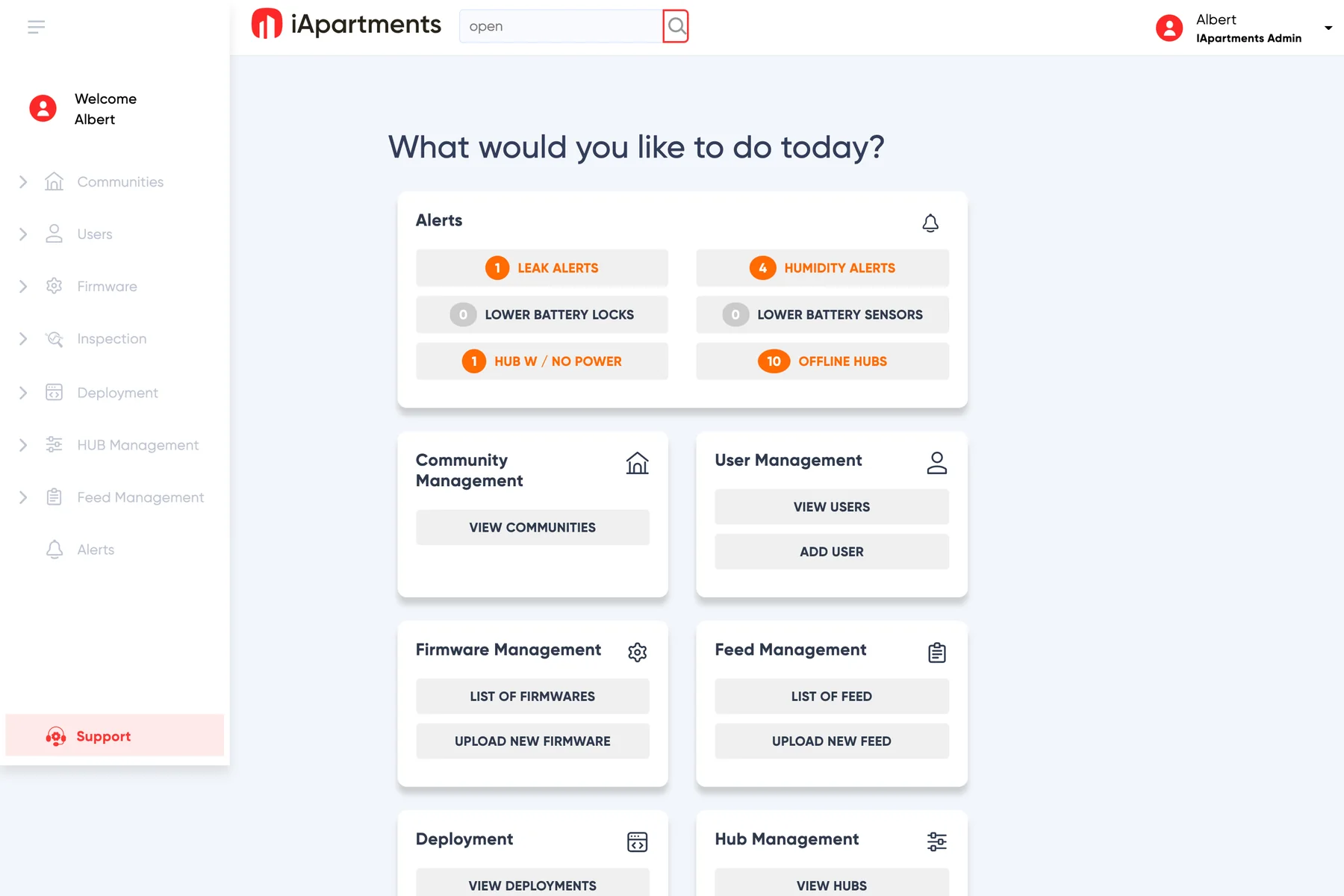
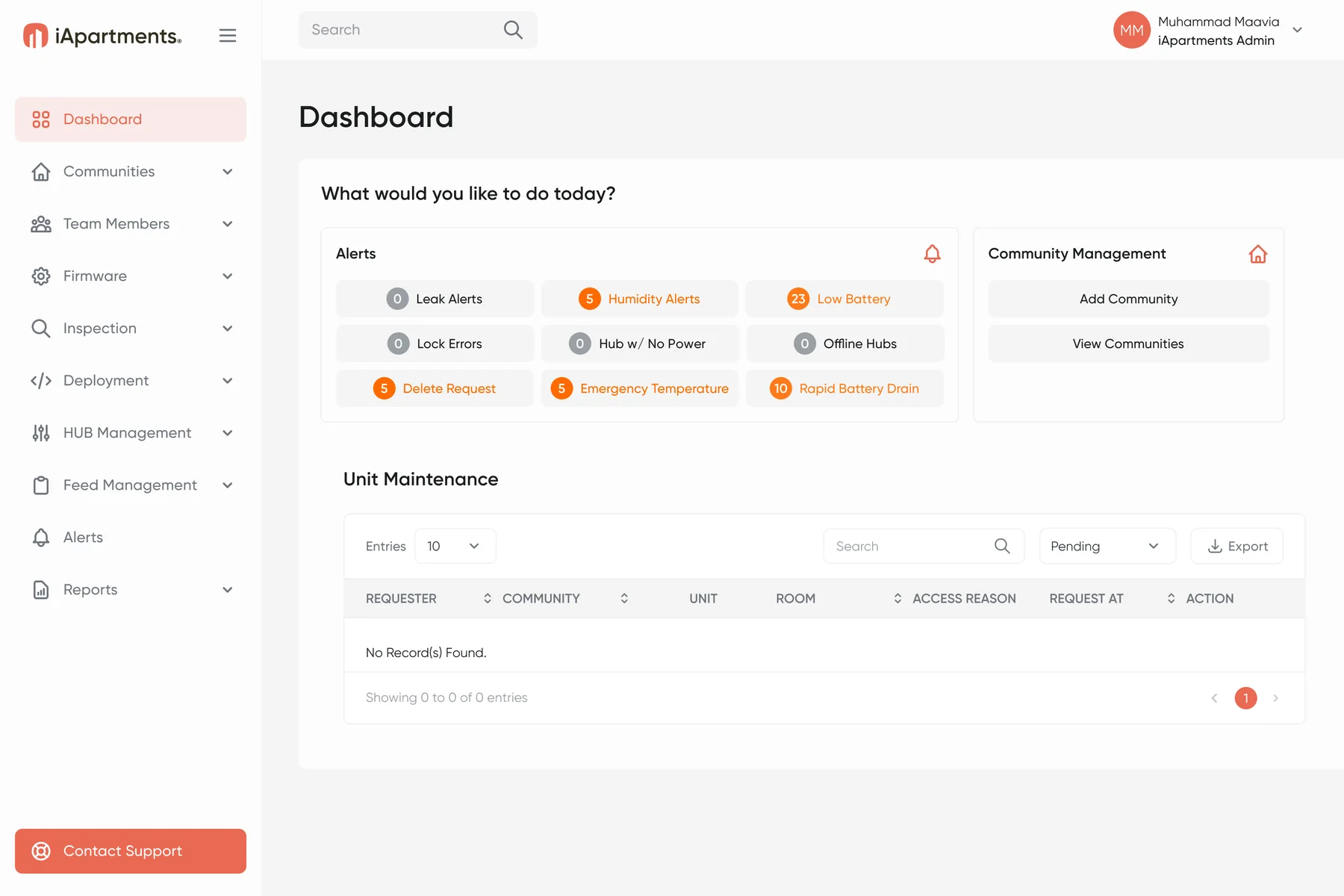
I kept the brand (Gilroy, coral #EA6953) and the task-based home. The 2021 view is a recreation; source: the old Admin Portal file.
Four goals, one rule behind each.
Every decision in the chapters that follow maps back to one of these.
Effortless daily control
RuleShow the state, always
Error-proof installs
RuleEvery error has a way out
Exceptions, not noise
RuleConfirm before you alarm
One system, every surface
RuleThe role decides the view
What I learned, before and after the build.
Discovery came from stakeholder conversations and the live products. For this case study I added market data, a review analysis and proto-personas.
of renters want, or require, a smart thermostat
NMHC/Grace Hill 2024of operators run leak detection
Parks Associates 2026of negative category reviews are entry failures
5,010 reviews, 8 appsof negative iApartments reviews are about the thermostat
290 reviewsProto-personas
Maya, resident
Renter, lots of deliveries
Luis, technician
Installs devices unit by unit
Dana, manager
Runs a community in the portal
Proto-personas are reconstructed, not from interviews. Review shares come from keyword coding of public store reviews, retrieved Sep 2026.
A client’s sketch, turned into a safe flow.
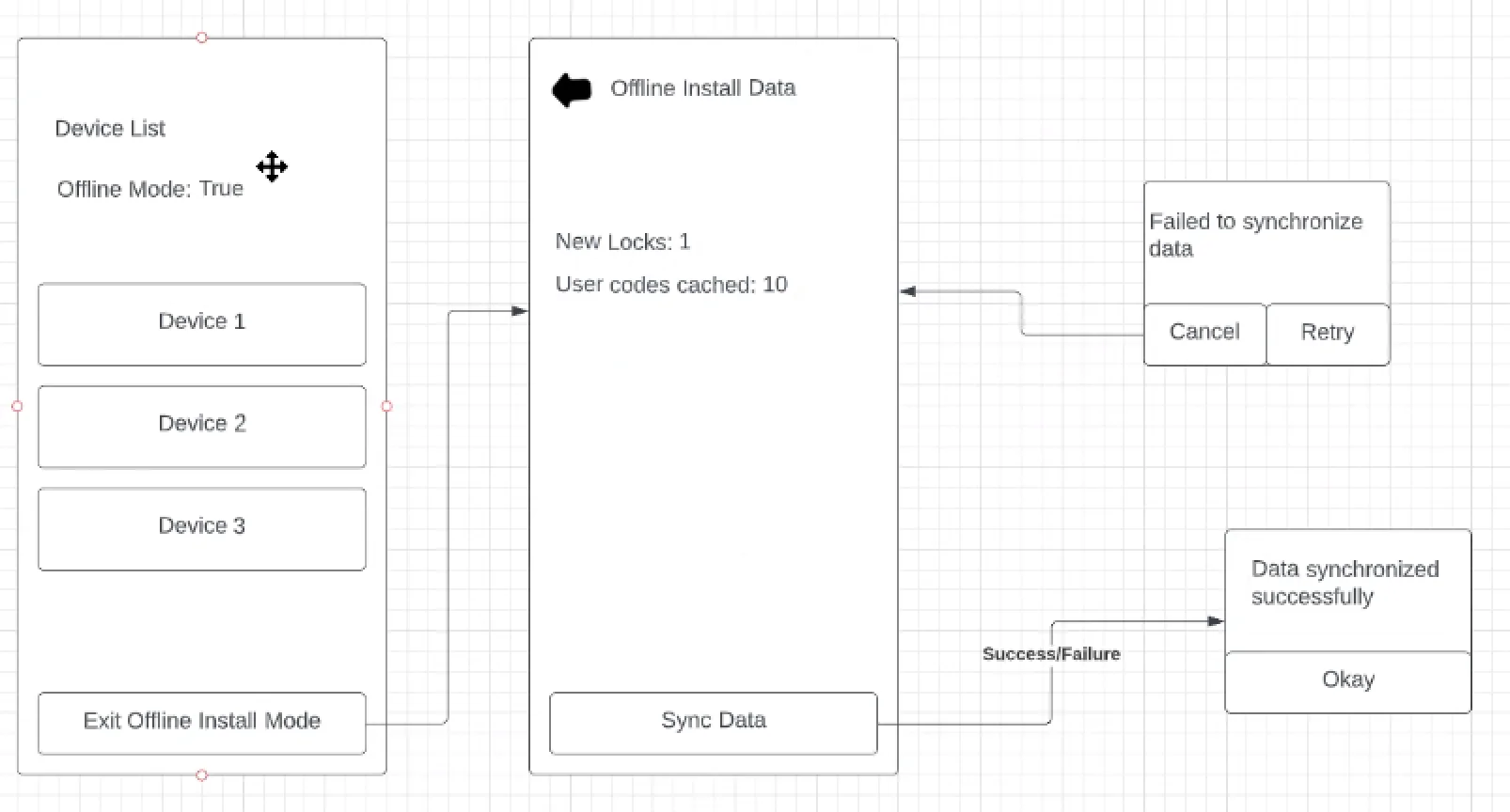
Nov 2022: the client shared a two-screen sketch for installing offline. Six weeks and three iterations later, a review added the safety rules, and it shipped.
The client’s sketch
A device list, cached data and a sync that can fail.
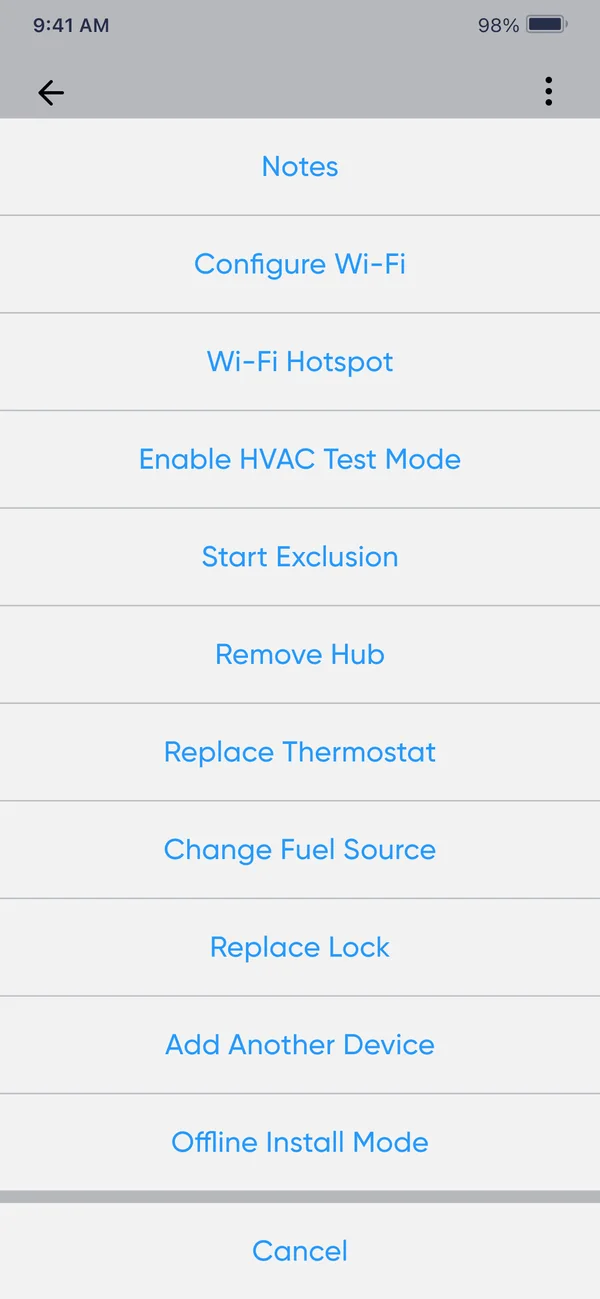
Three iterations
Entry point, failed-sync retry, pre-check.
Blueprint review
Annotated wireframes of the full flow.
Offline Install Mode
With the three safety rules below.
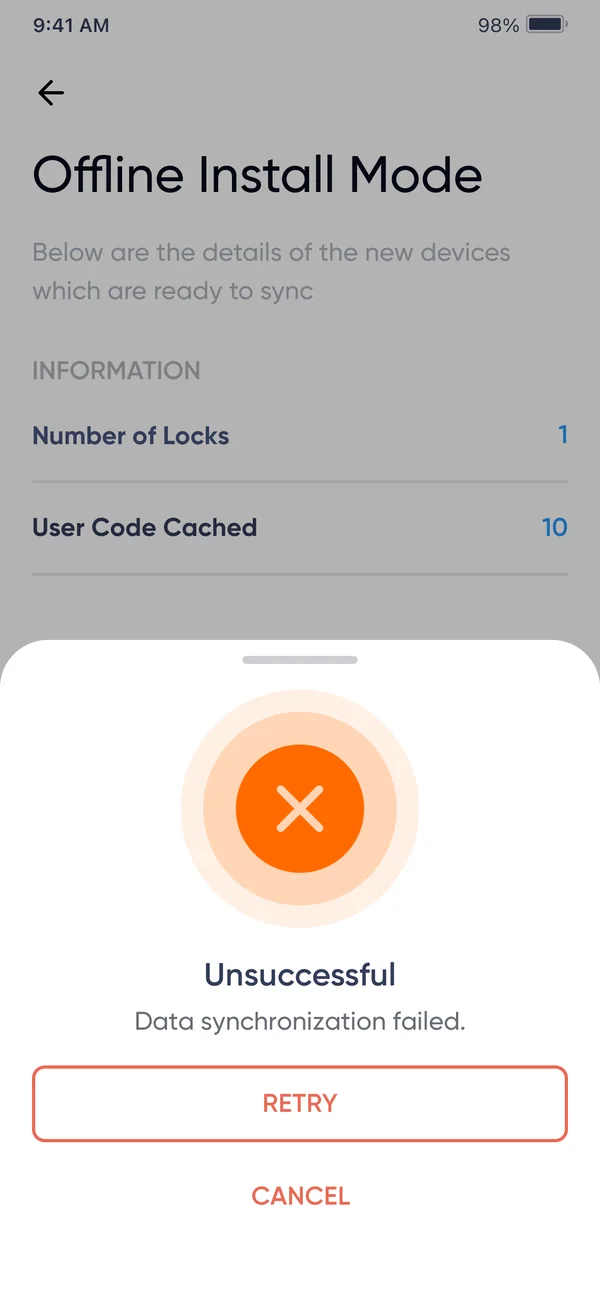
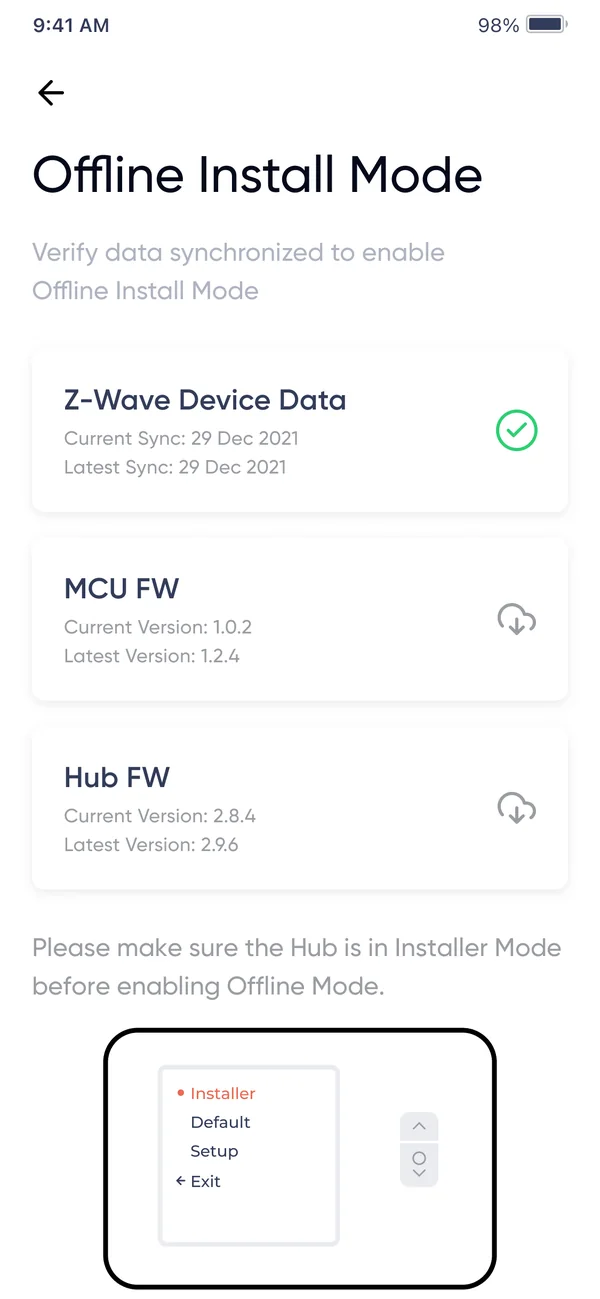

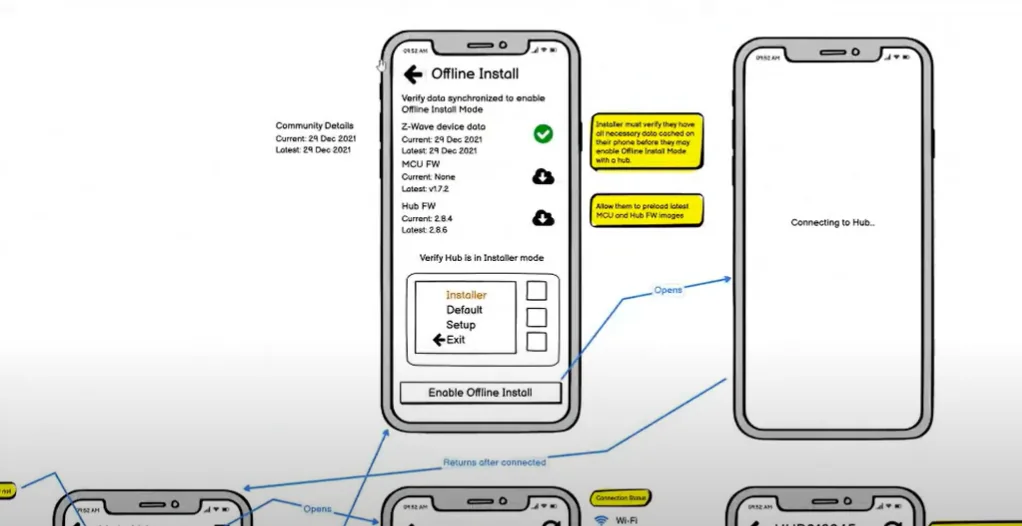
The review added
One unit’s life, across three surfaces.
Each stage has an owner, a surface and a hand-off that can break.
Install
Pair devices, run the checklist
Site Team appHand over
Magic link, access code, Face ID
Both appsLive
Access, comfort, guests
Resident appRespond
Alerts and leak confirmation
App + portalImprove
HVAC Analytics and reports
Web portalHow every feature shipped
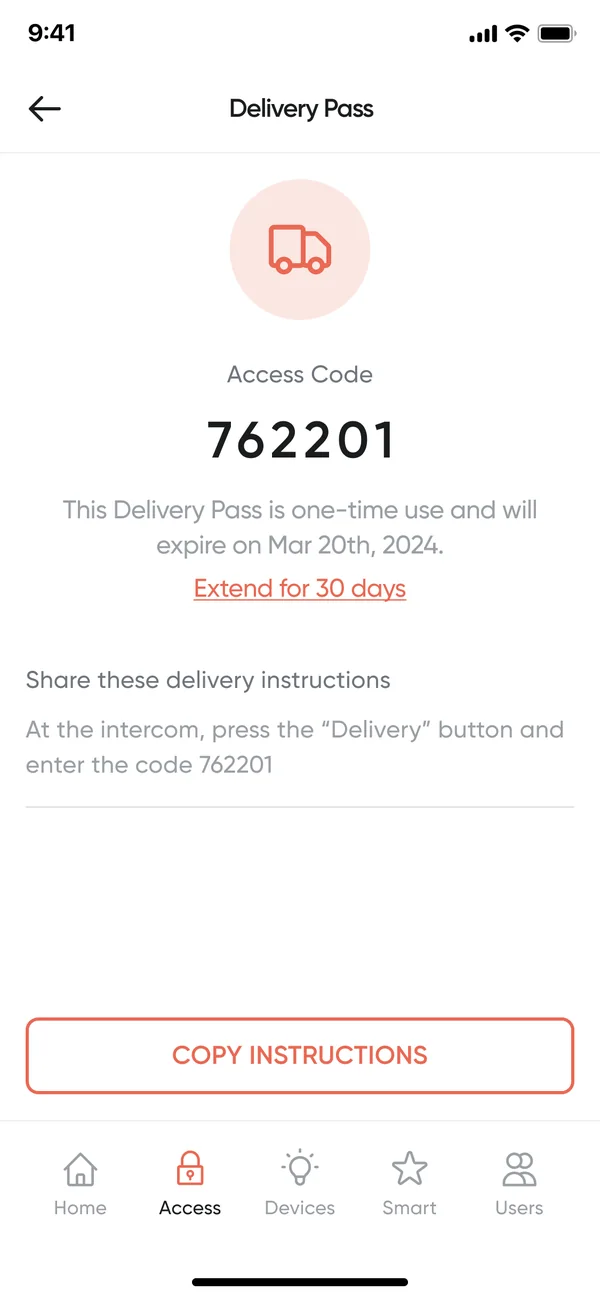
Your phone is the key, and the app never guesses.
One swipe for every door, guest codes in seconds, and an honest state when the hub drops.
TakeawayEach screen has one job, and key states are spelled out in plain words: online, offline, guest, locked.
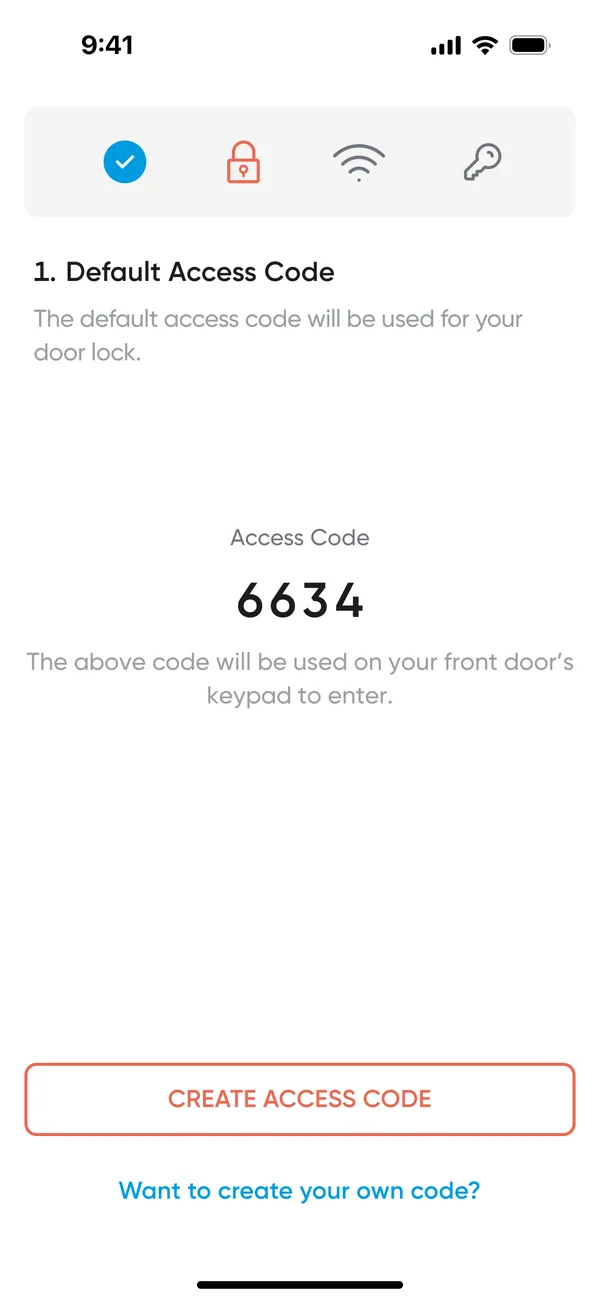
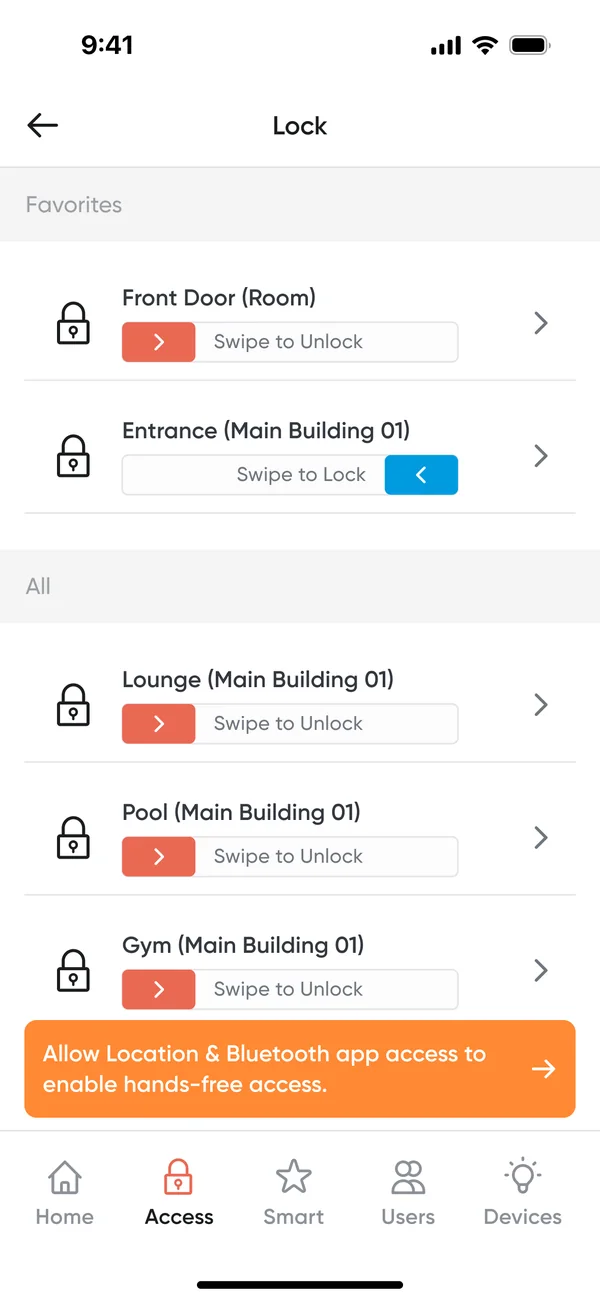

One gesture, every door
Unit, lobby, pool and gym in one list.
Guests and deliveries
Guest codes, delivery passes, intercom calls.
Honest when offline
“Last fetched” instead of stale data.
Flow · activation to alerts
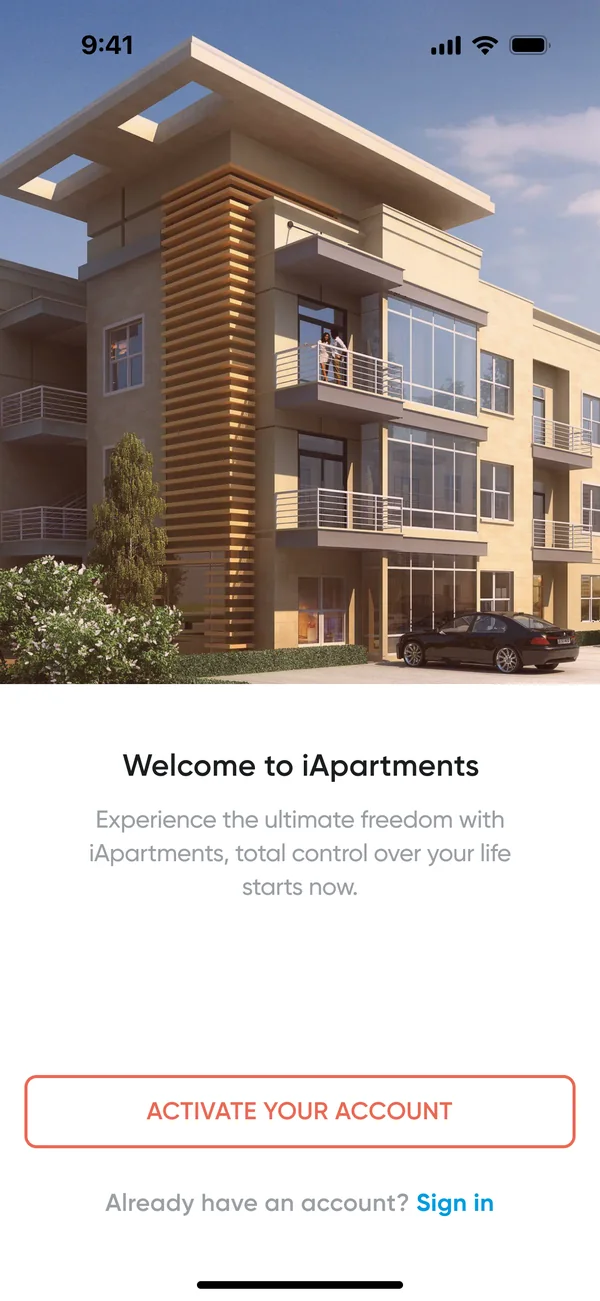
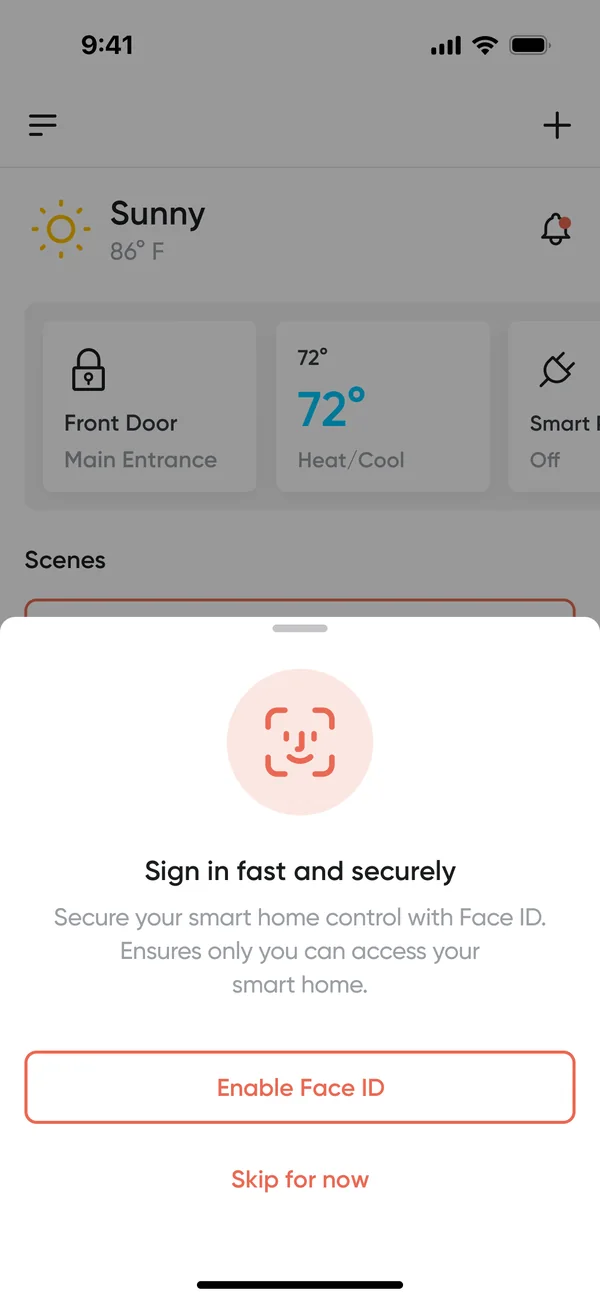
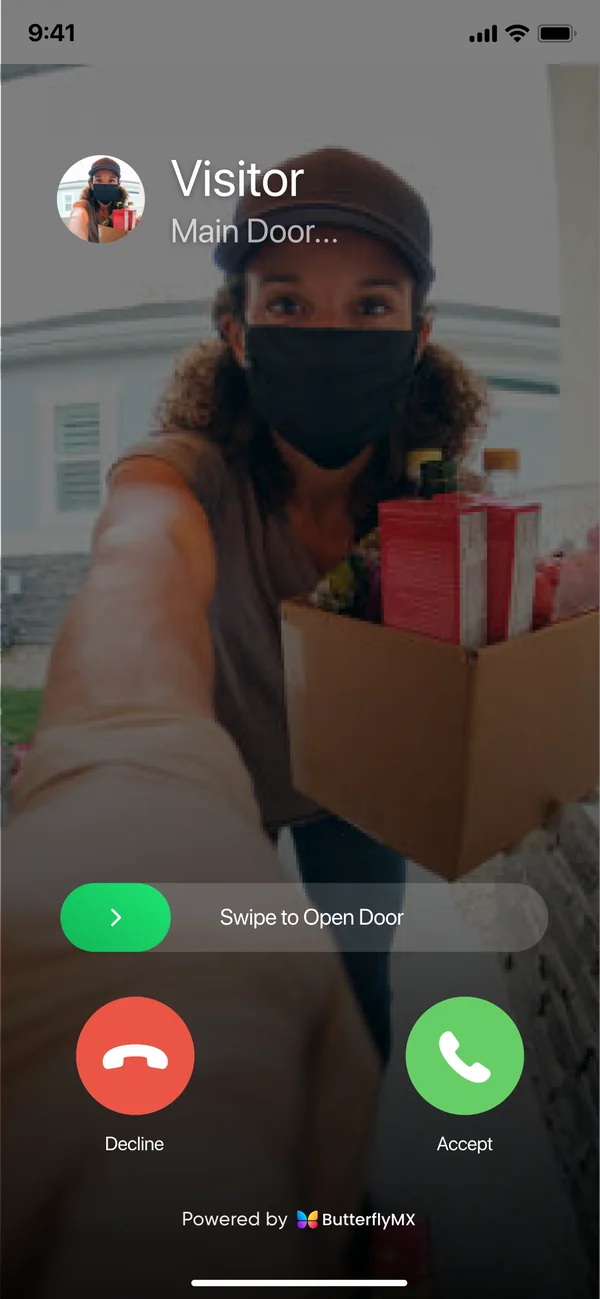
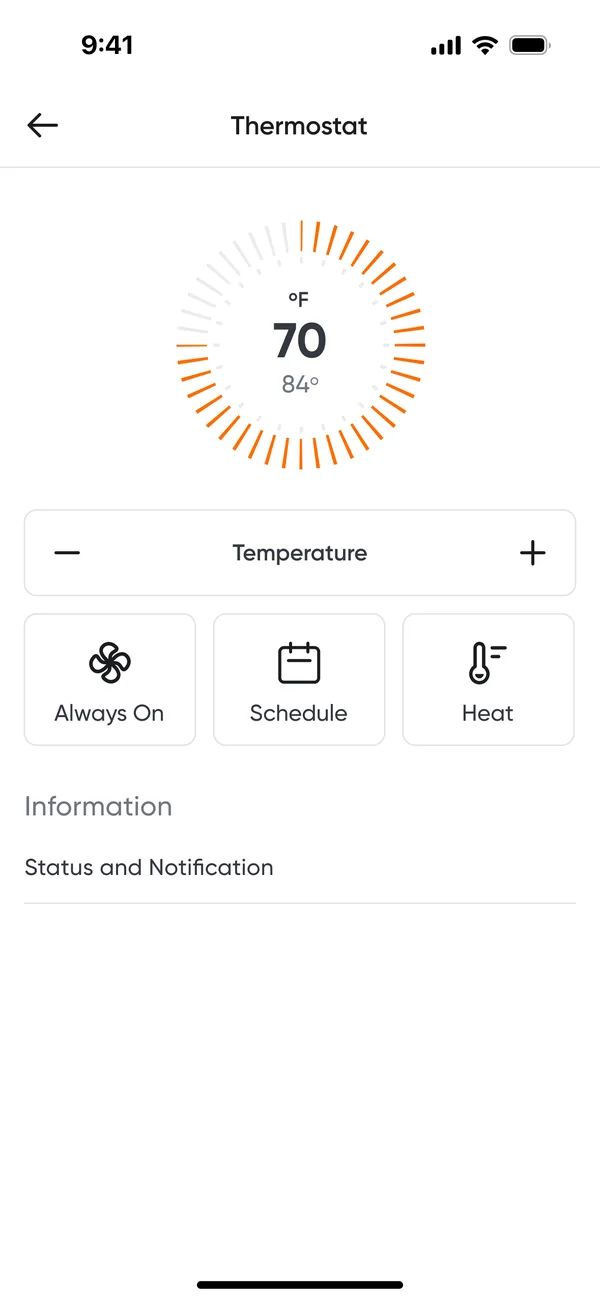
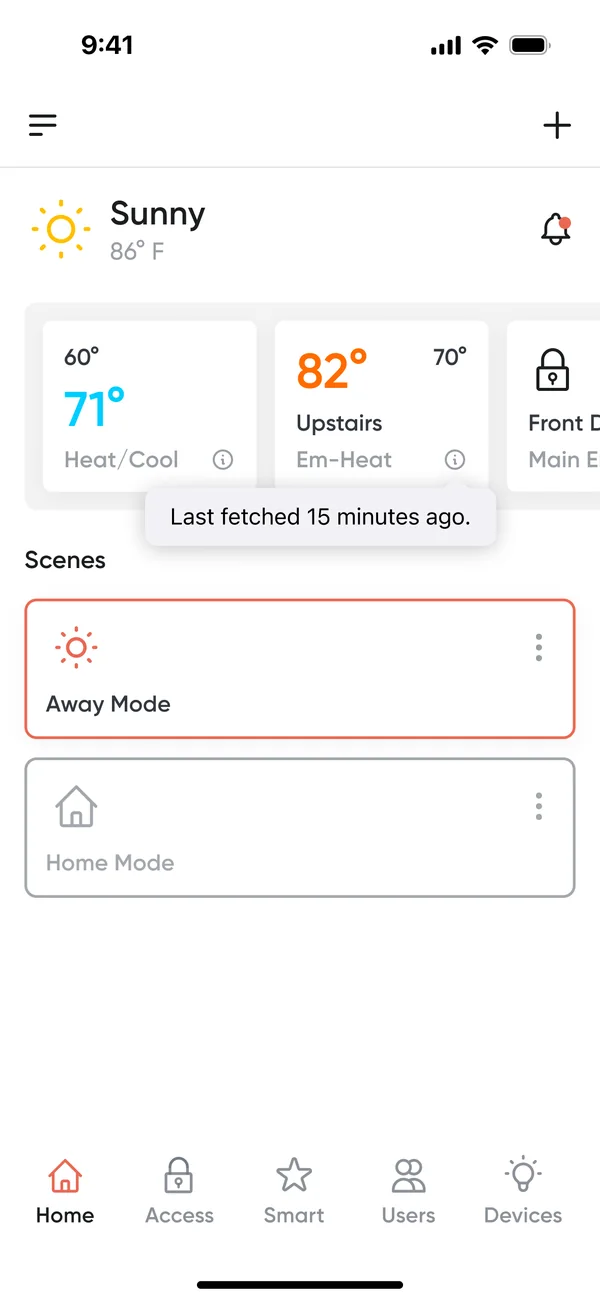
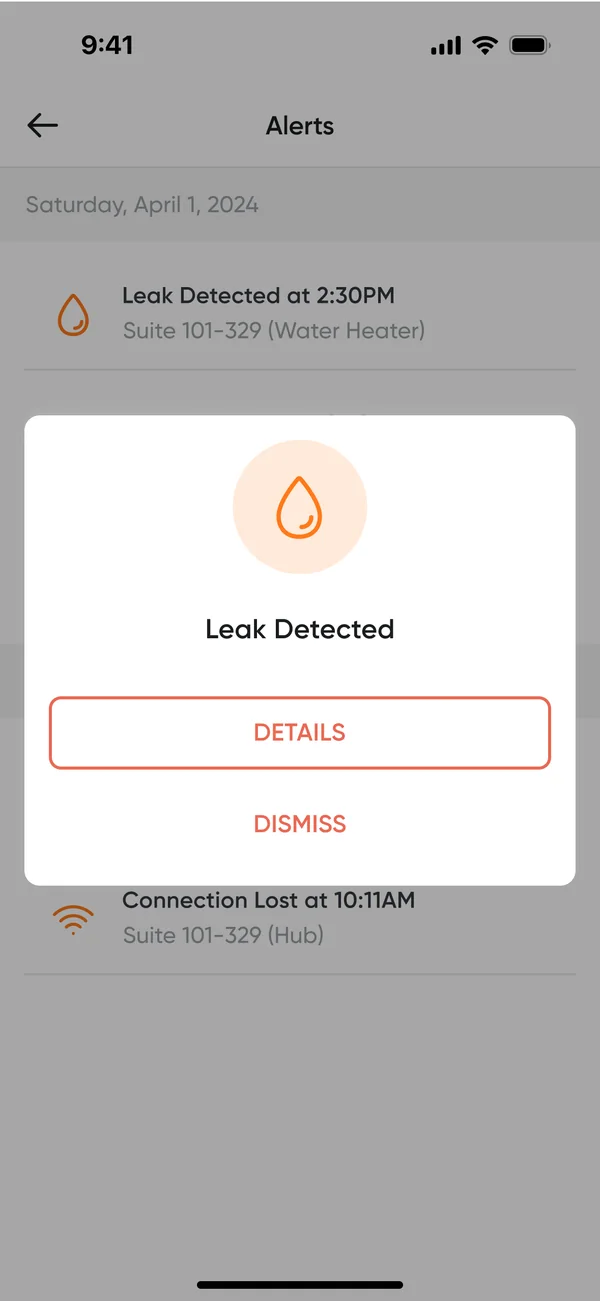
Step 3 · Live: scenes, from list to action
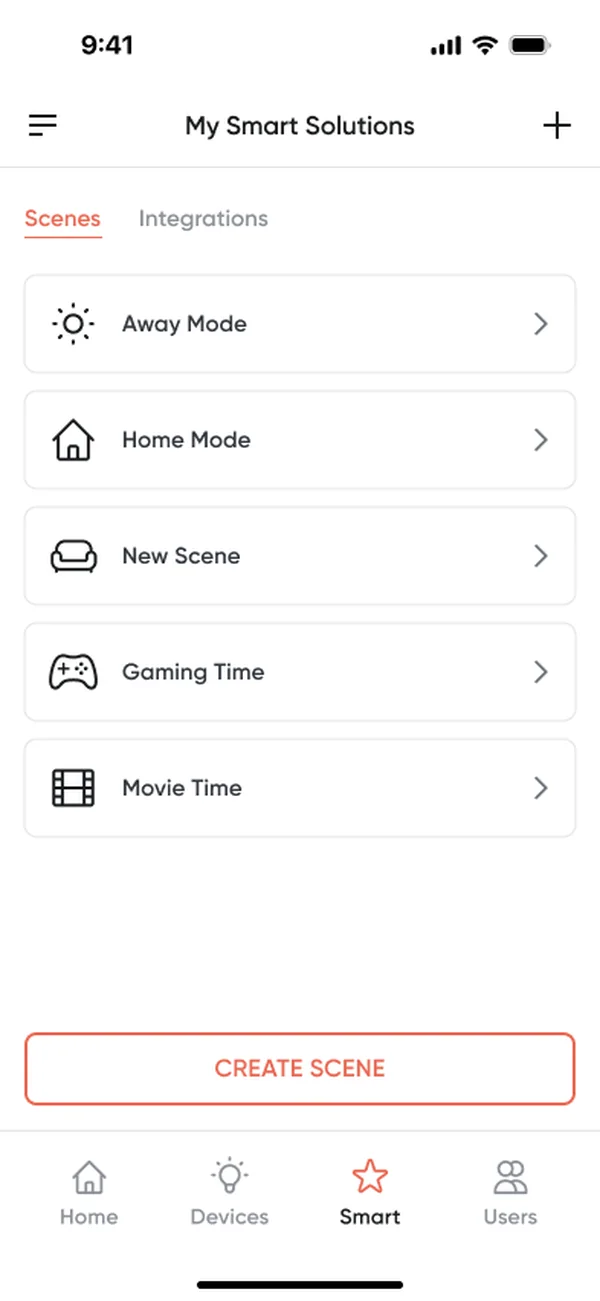
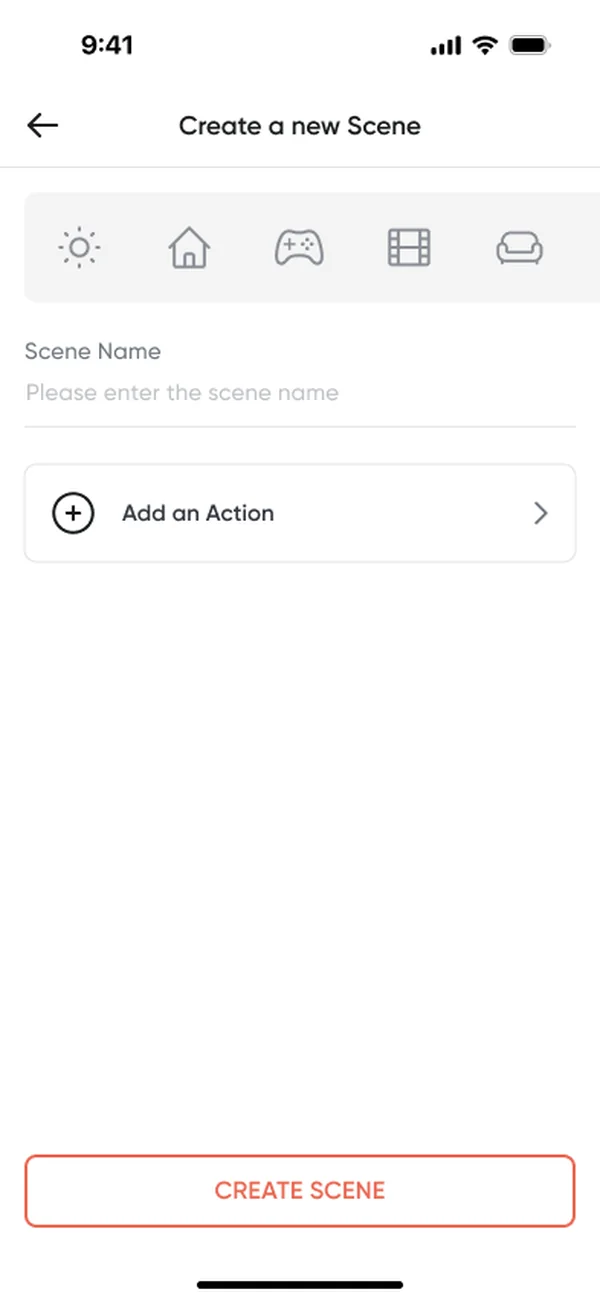


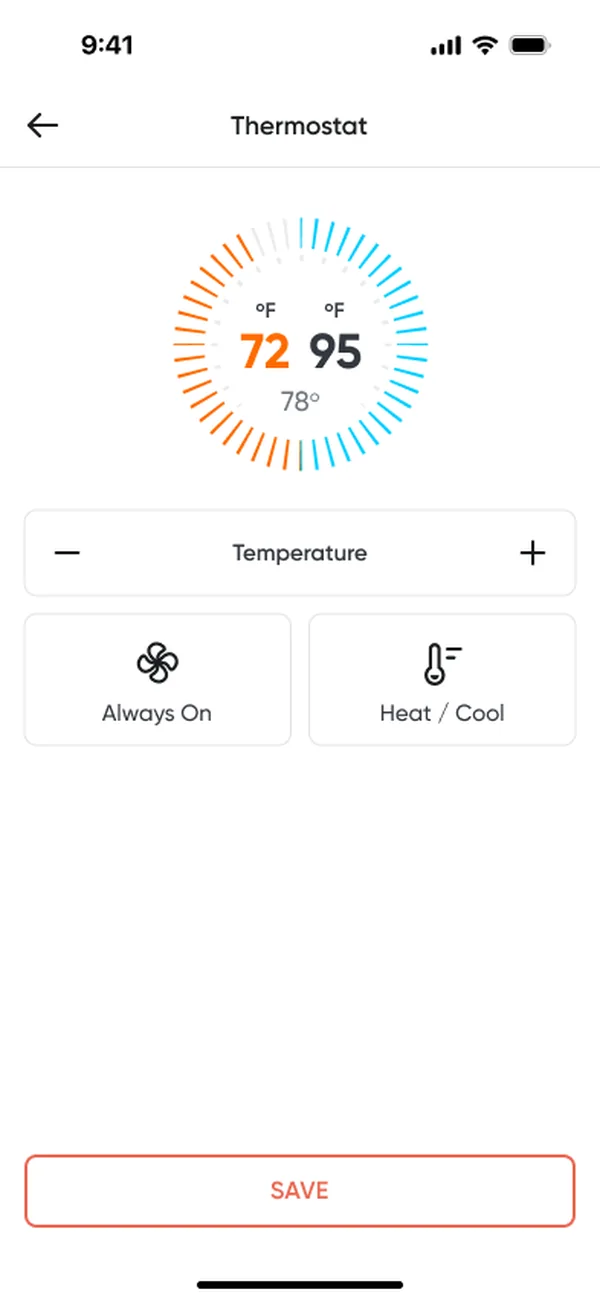
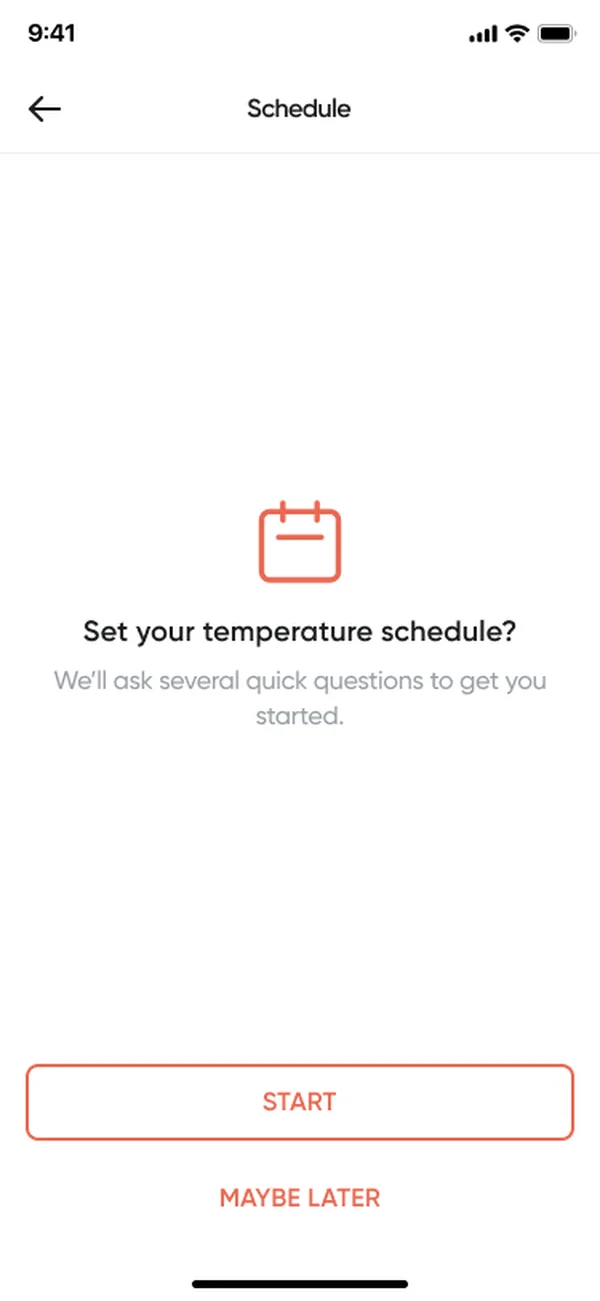
Step 3 · Live: a weekly temperature schedule
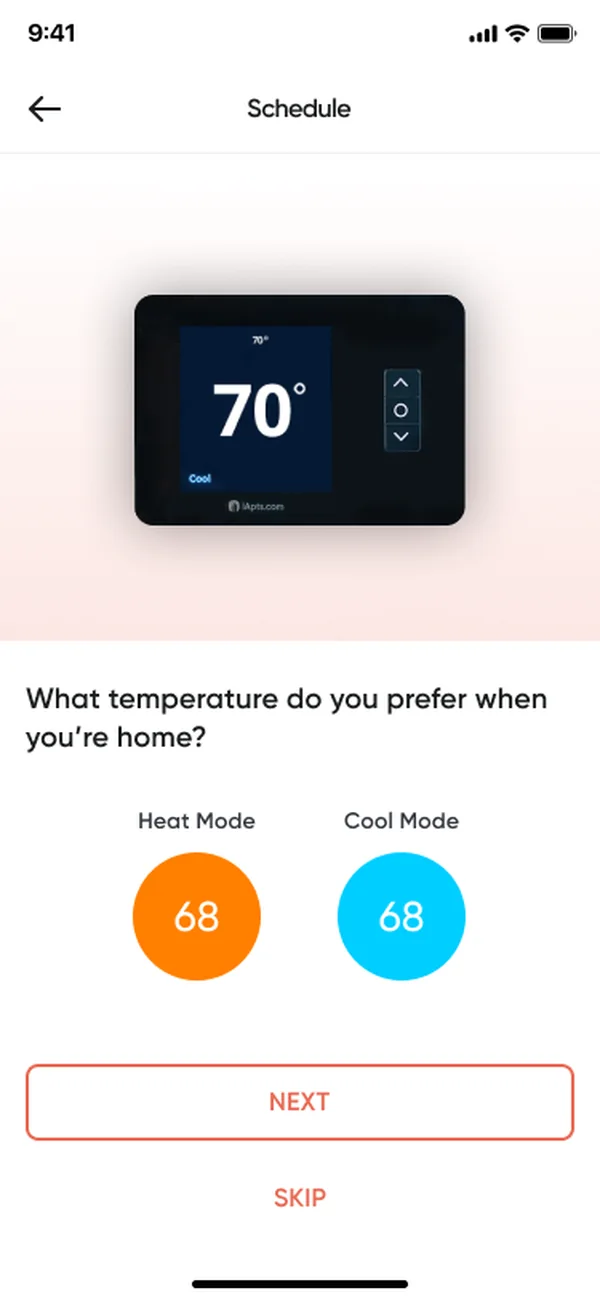
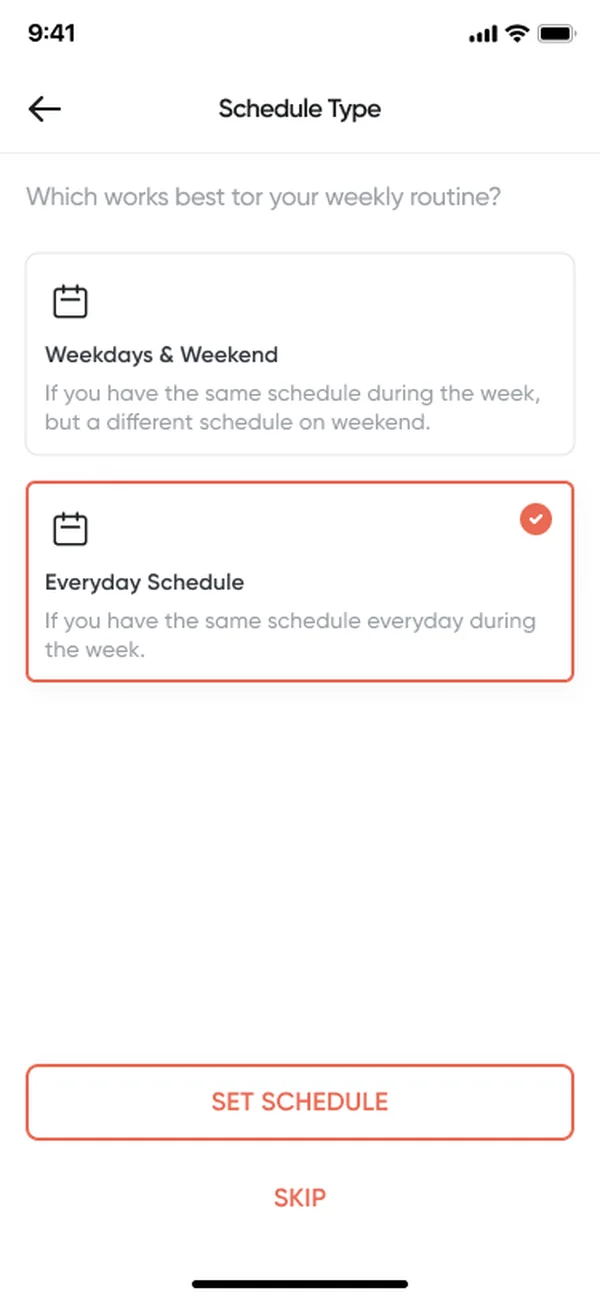
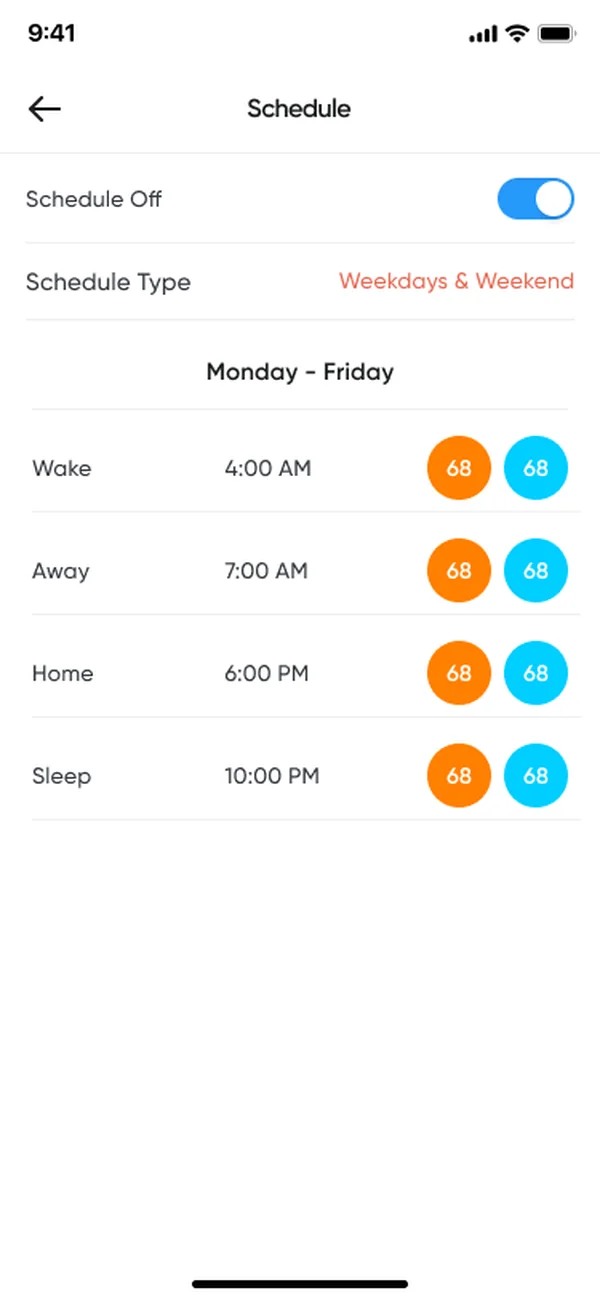
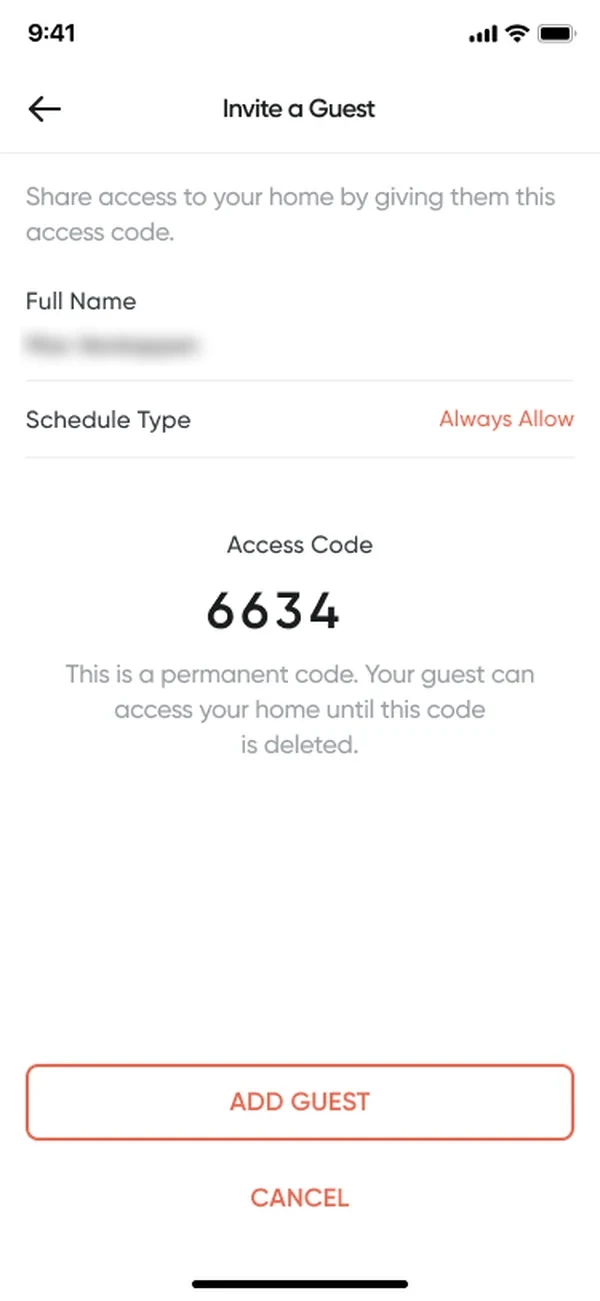
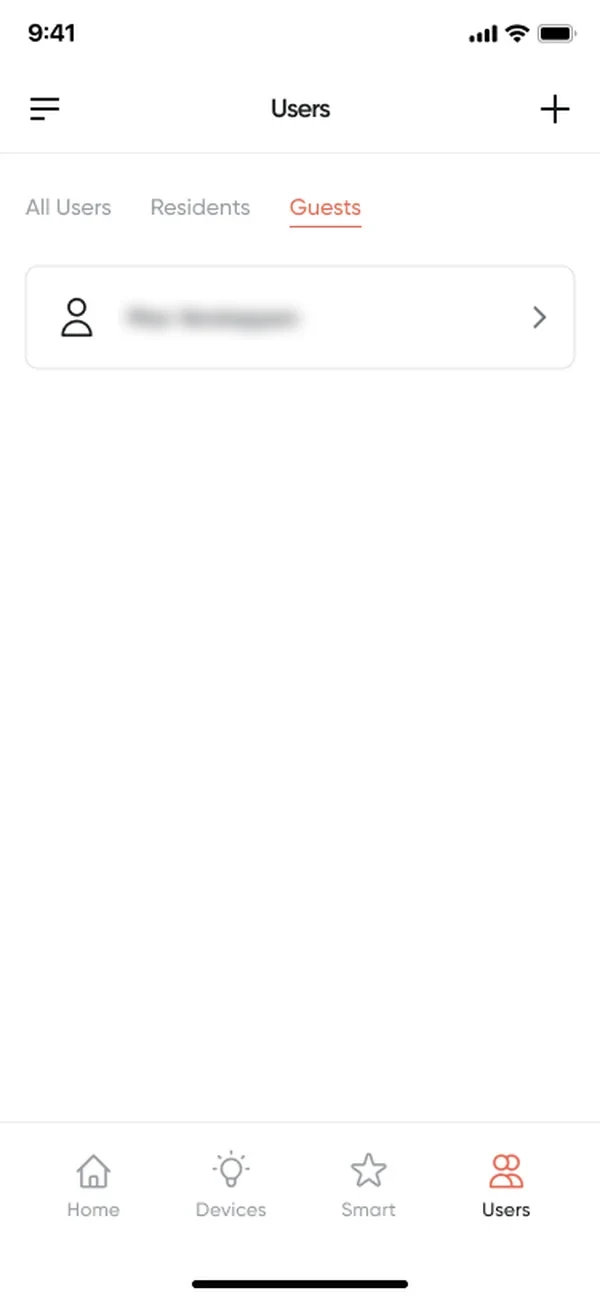
Step 3 · Live: inviting a guest

Installs you can read, alerts you can act on.
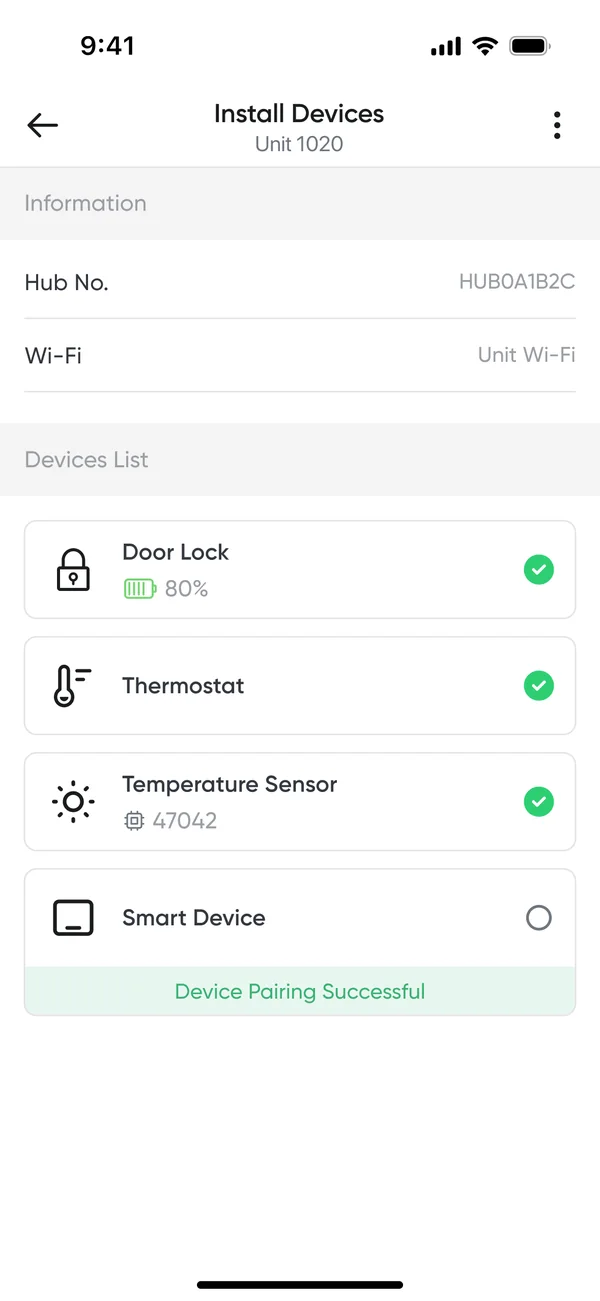
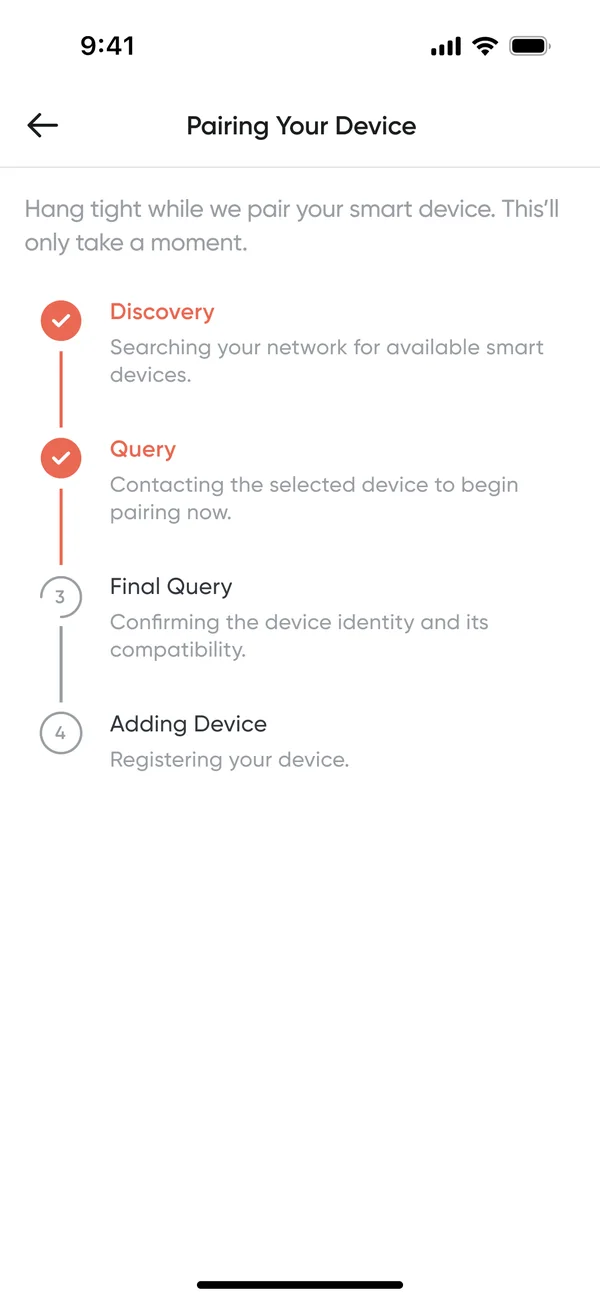
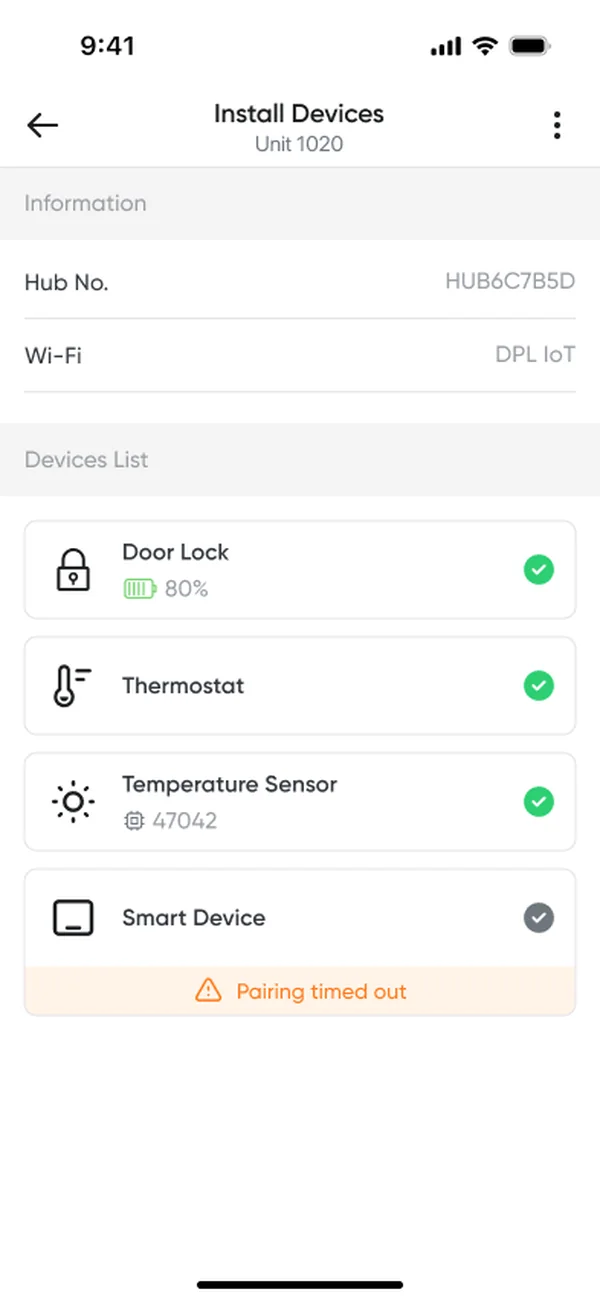
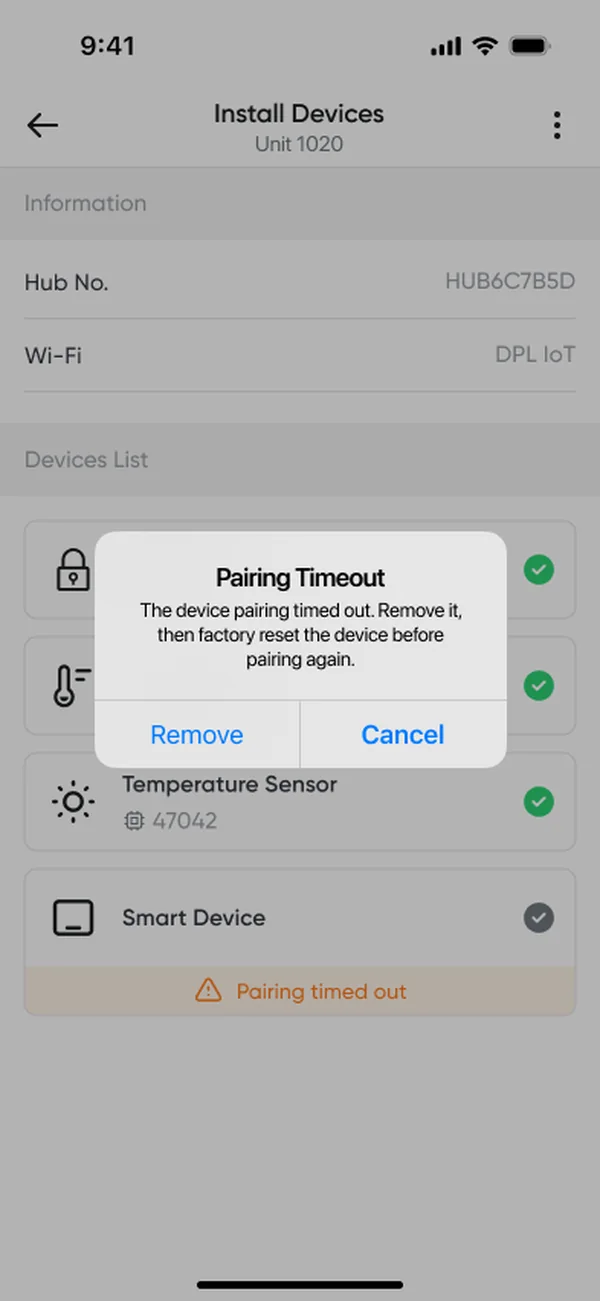
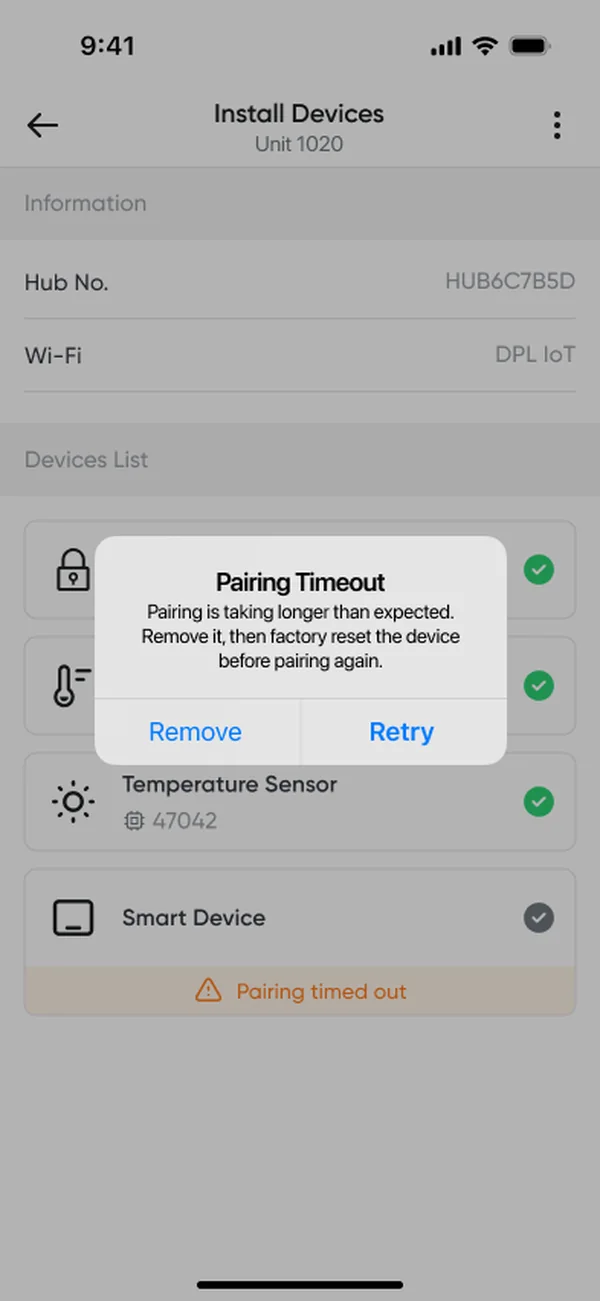
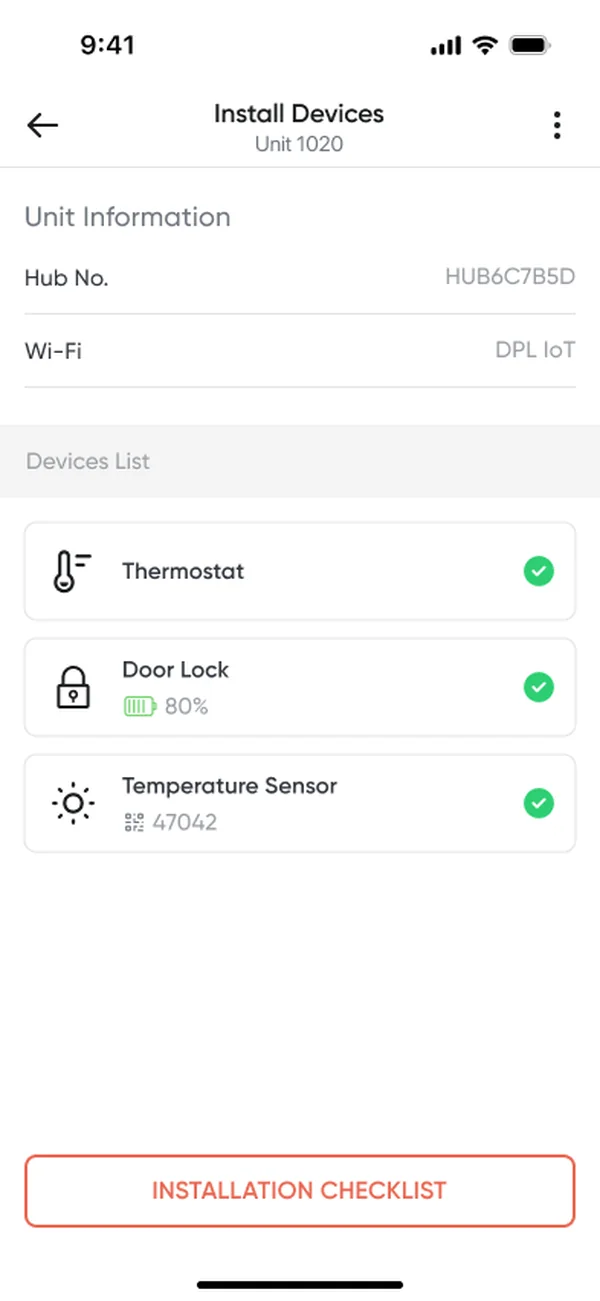
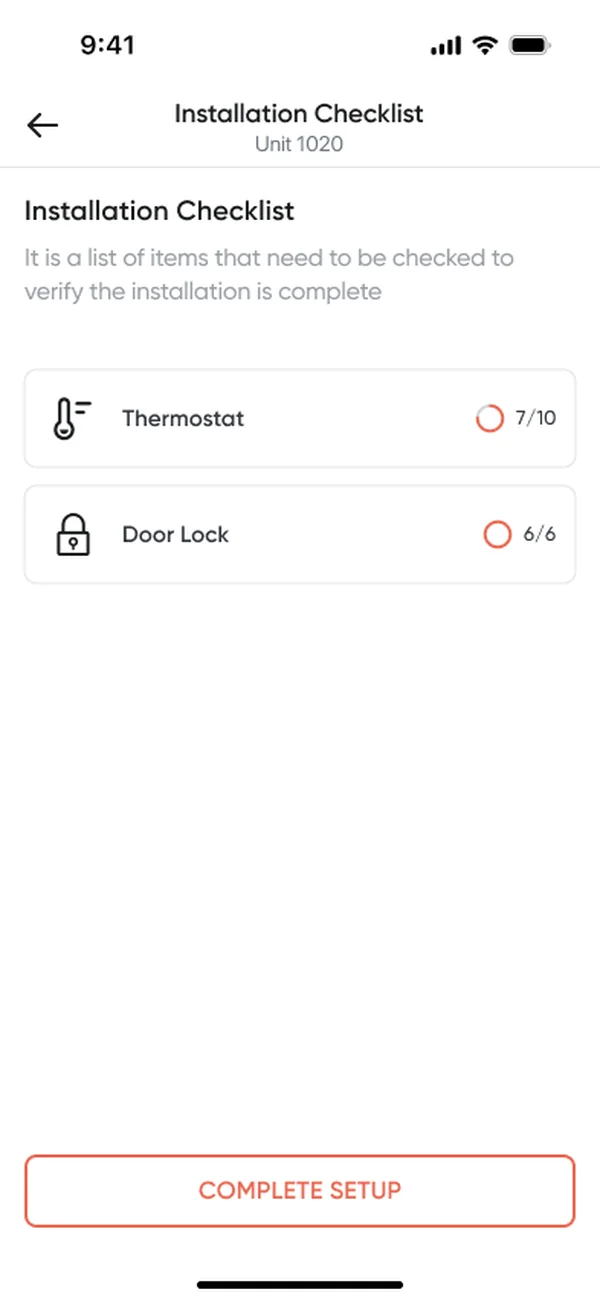
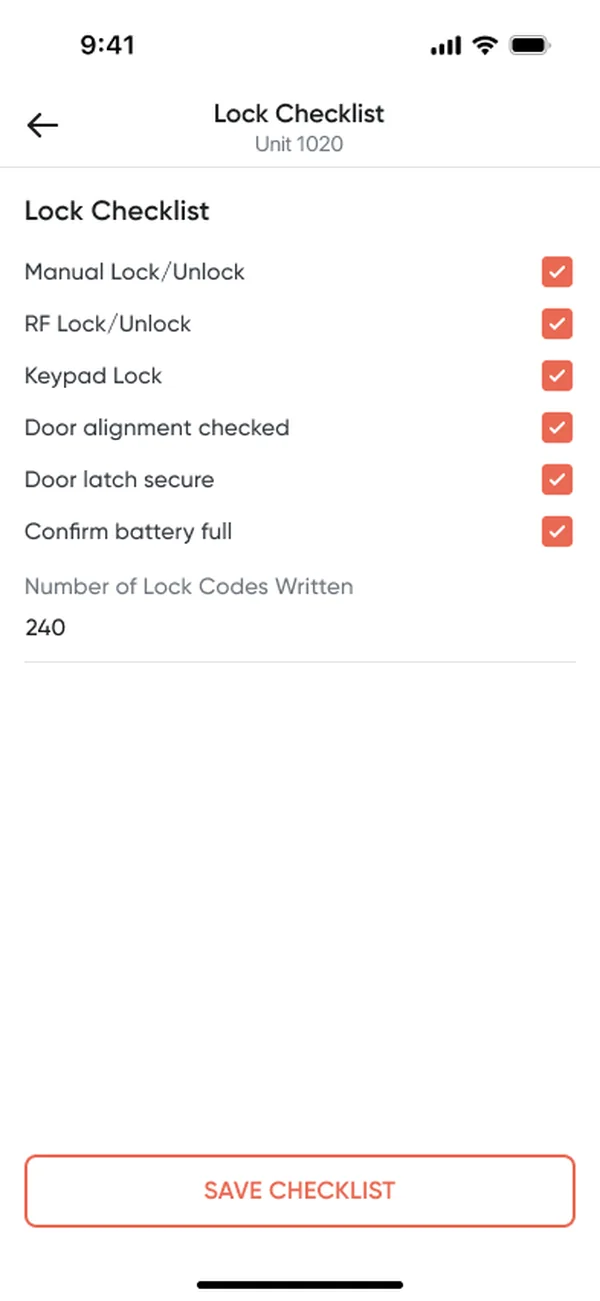
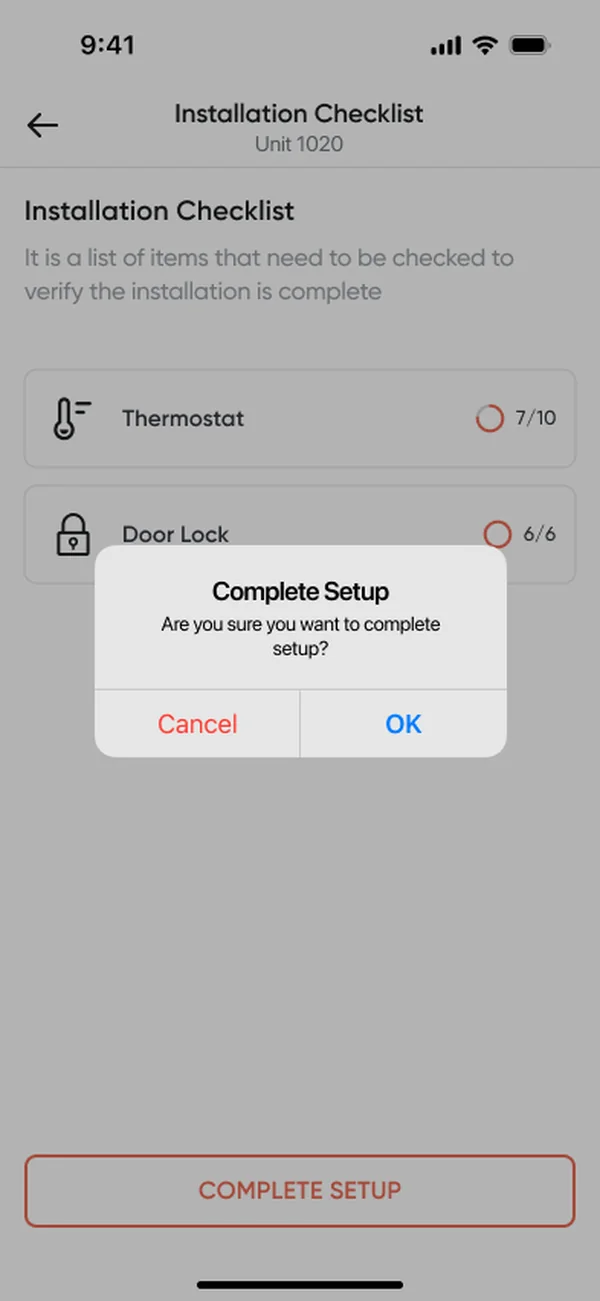
Pairing became visible steps with a way out at every failure.
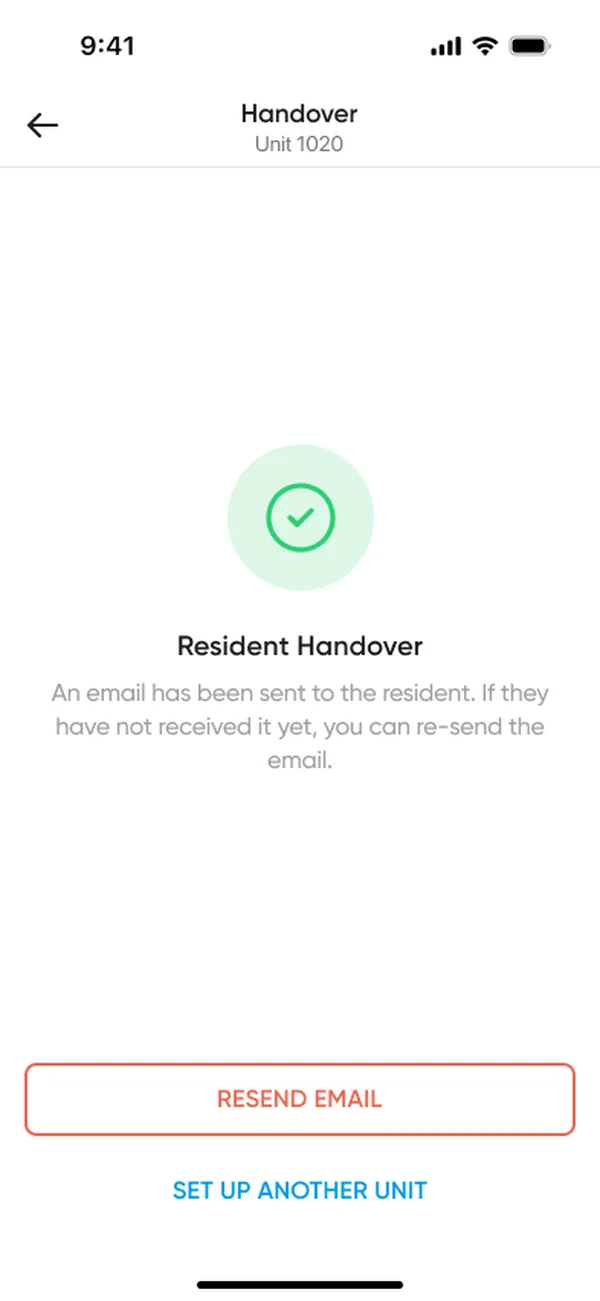
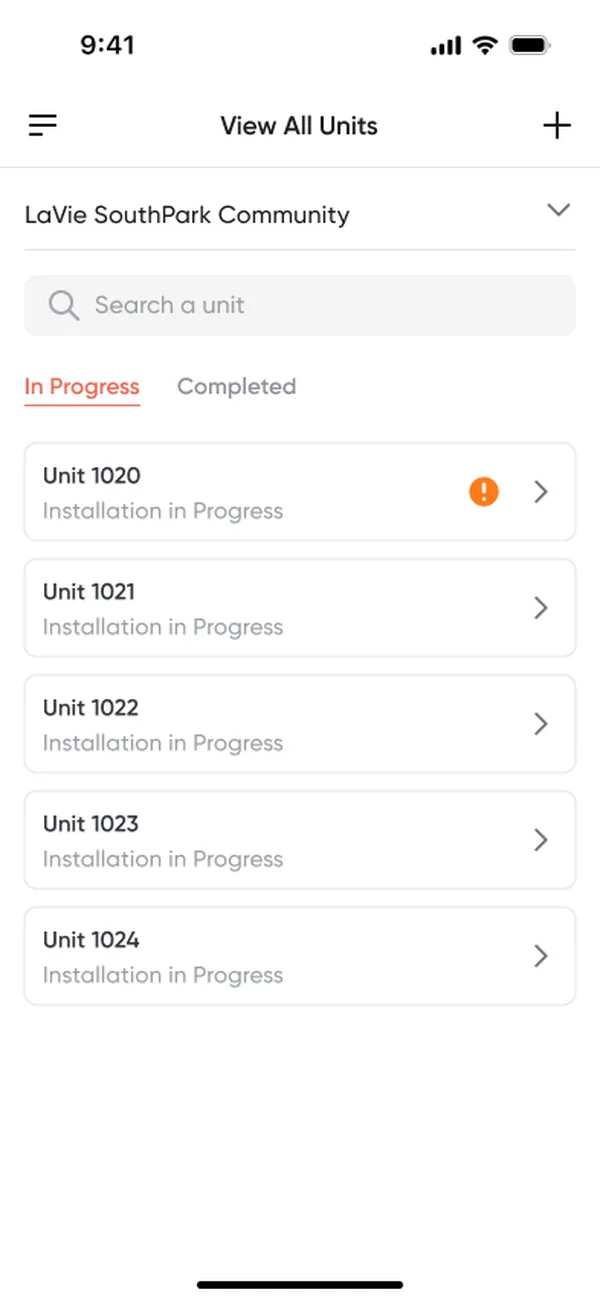
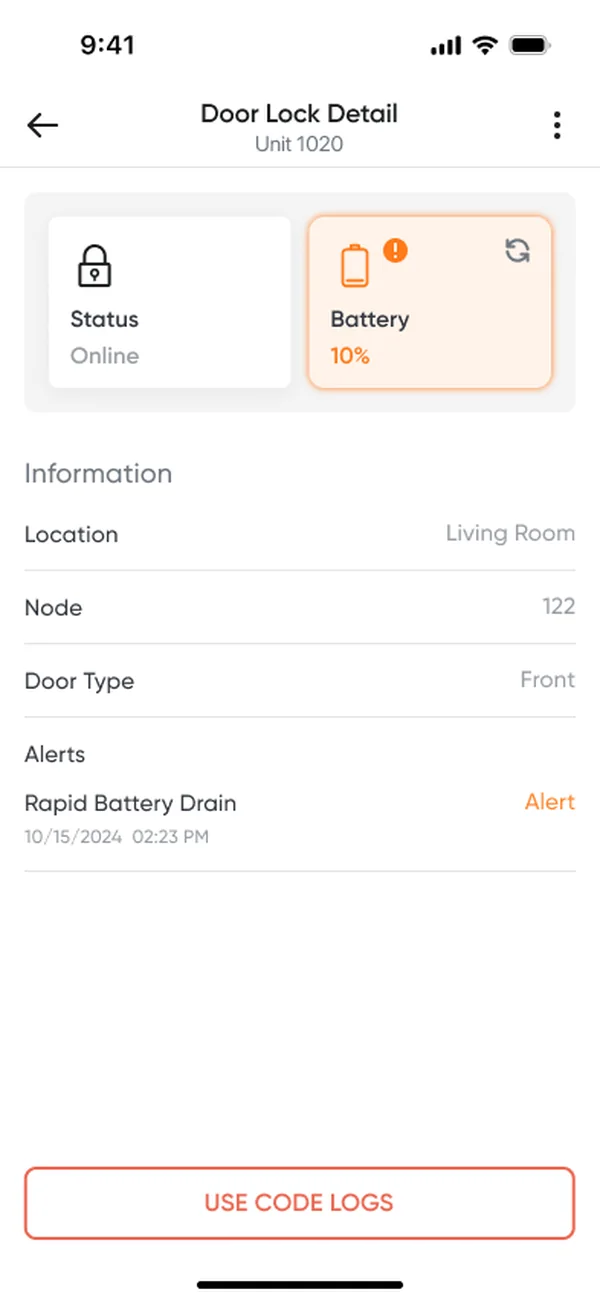
TakeawayInstallers get steps they can read on site, and alerts they can act on without a manual.
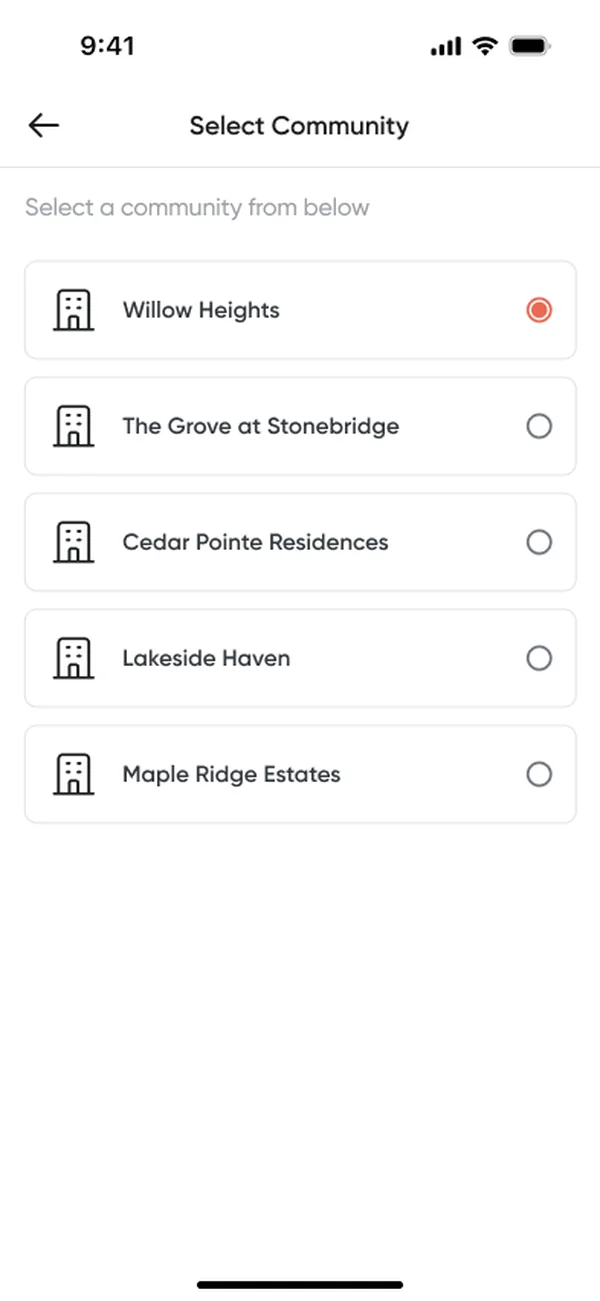
Pick the exact model
Brand and model set the pairing path.
Progress you can read
Discovery, query, adding, paired.
Recover on site
DSK PIN, voltage checks, checklist.
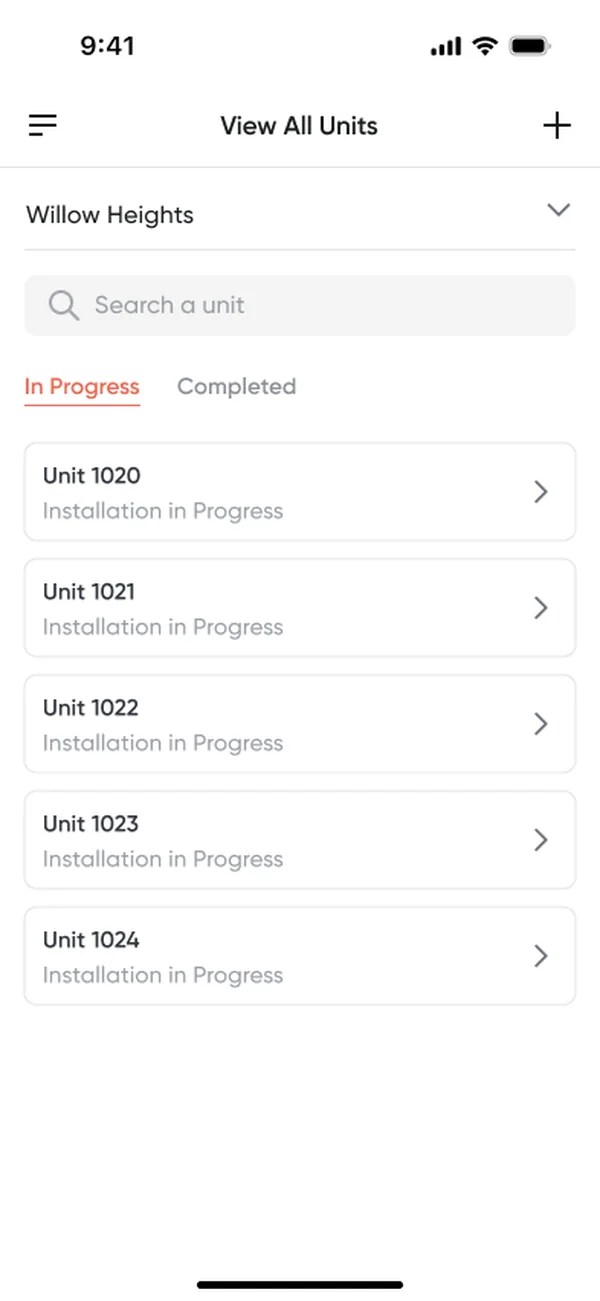
Step 1 · Install: starting a unit
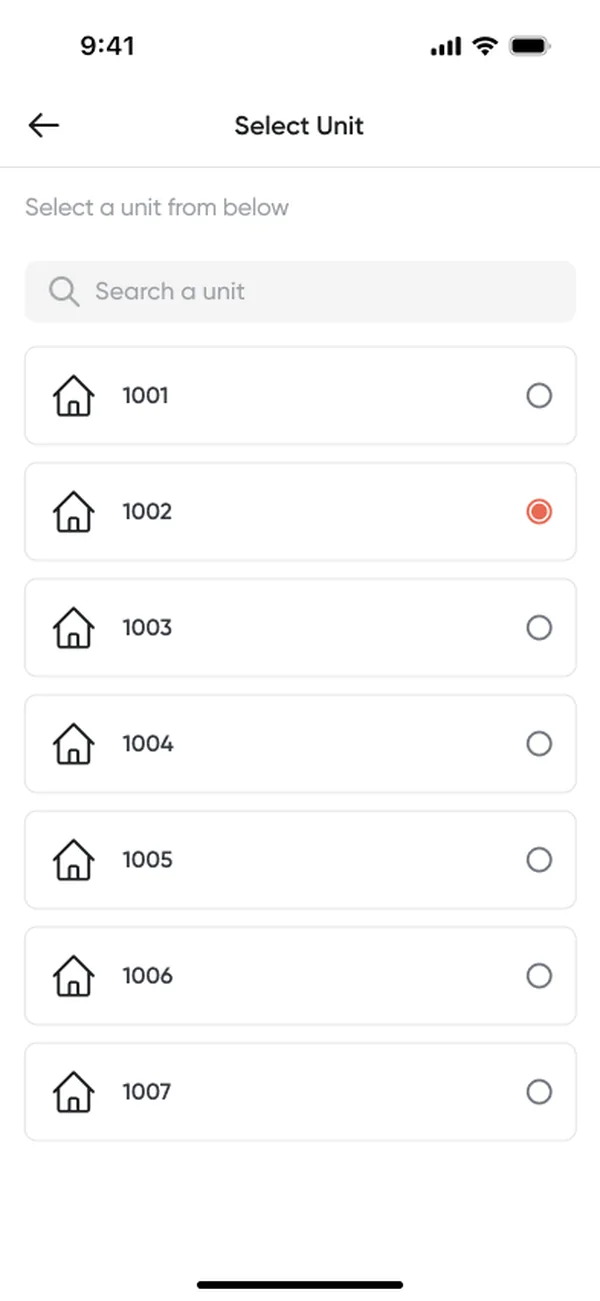
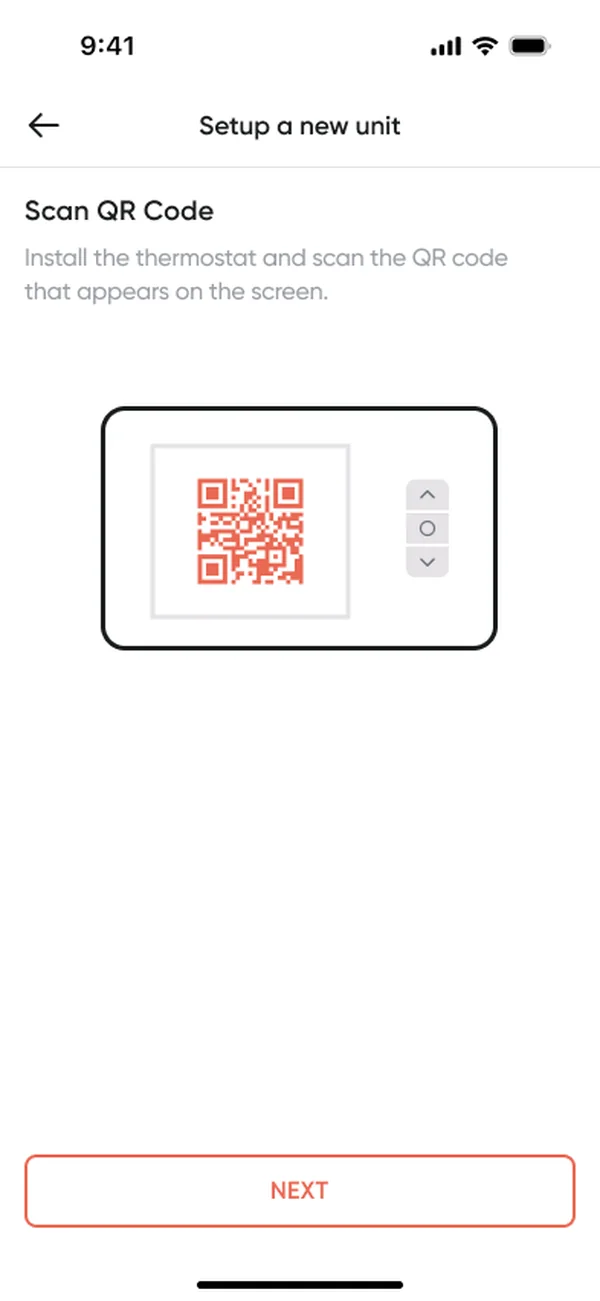
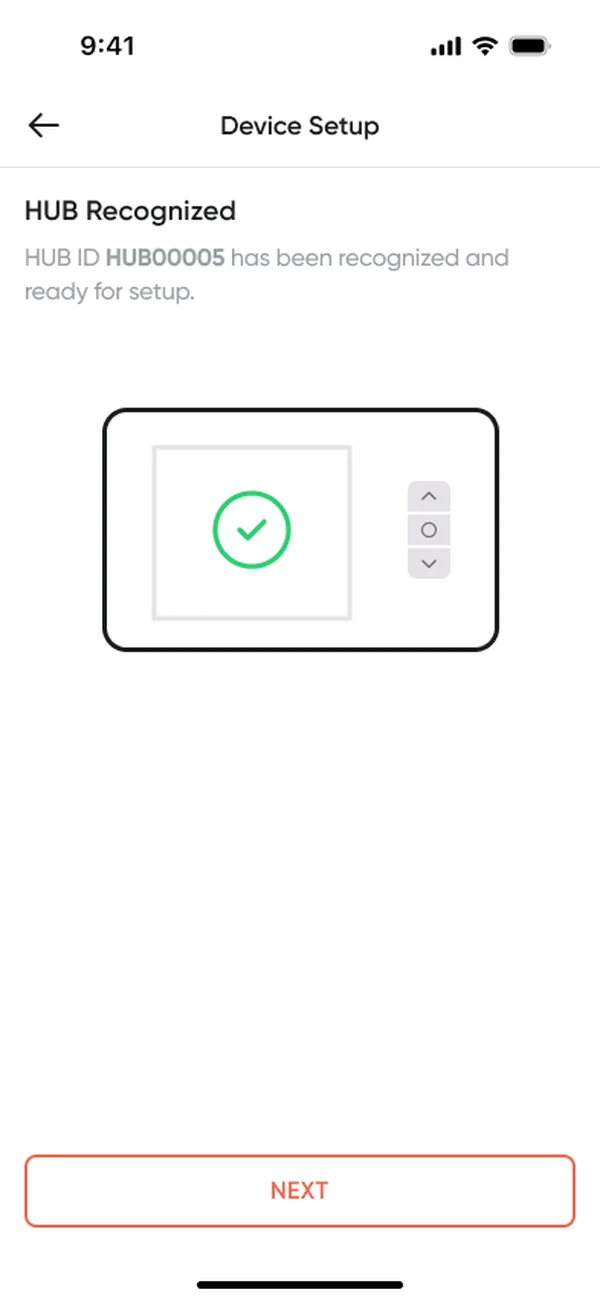
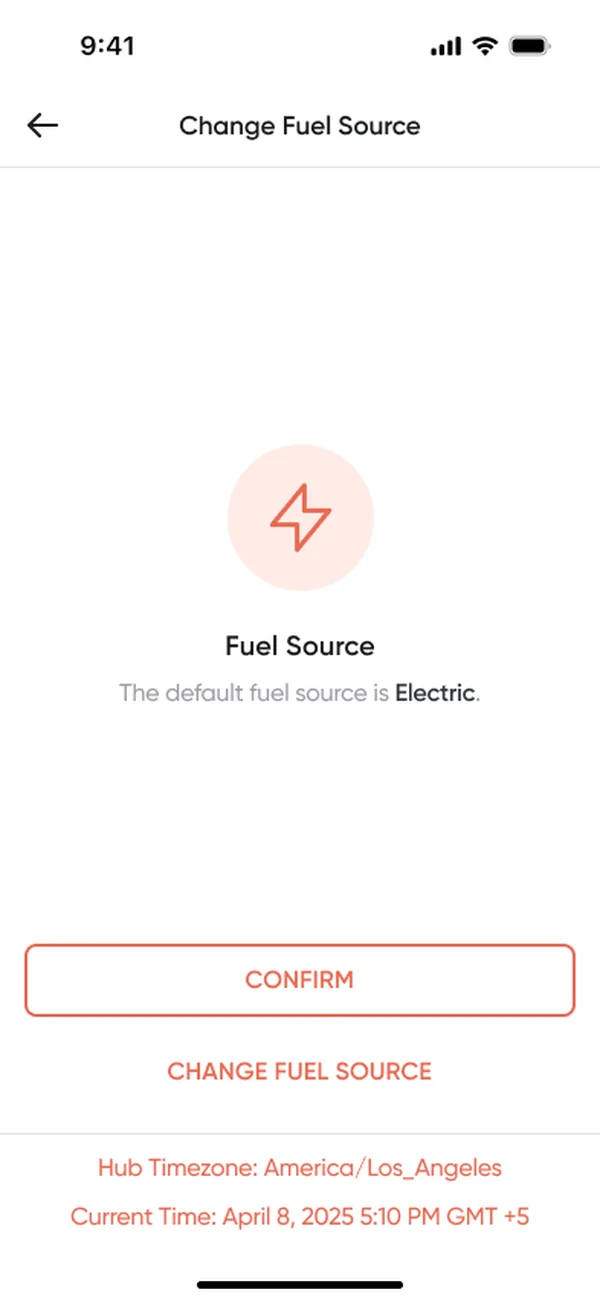
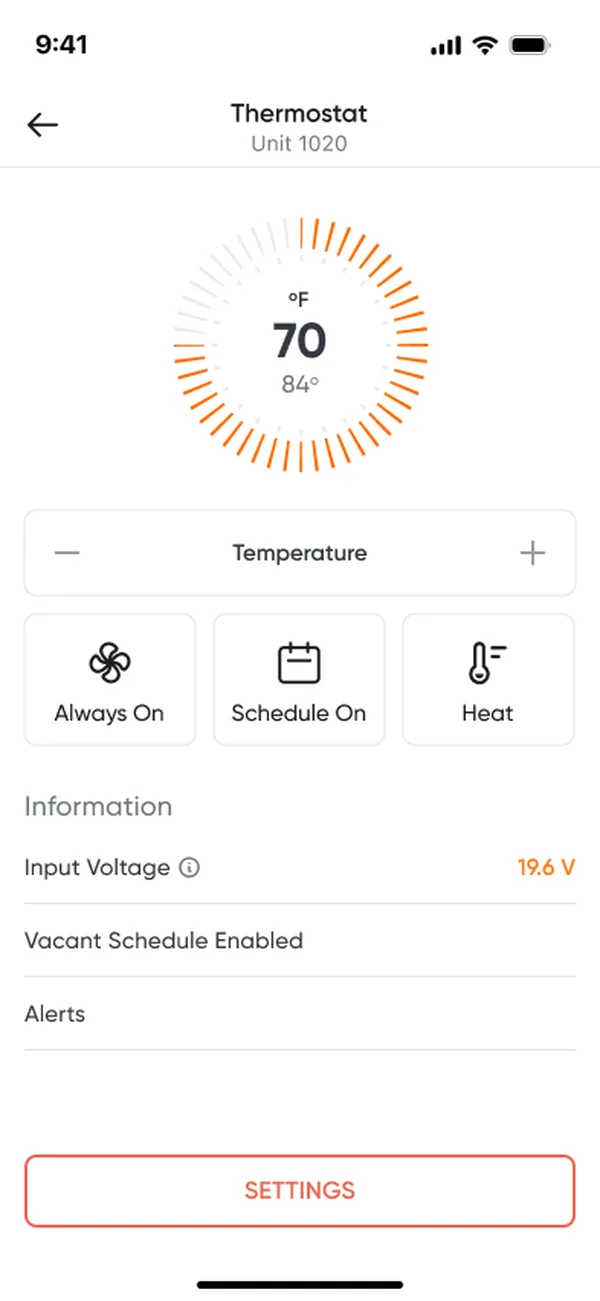
Step 1 · Install: when something goes wrong

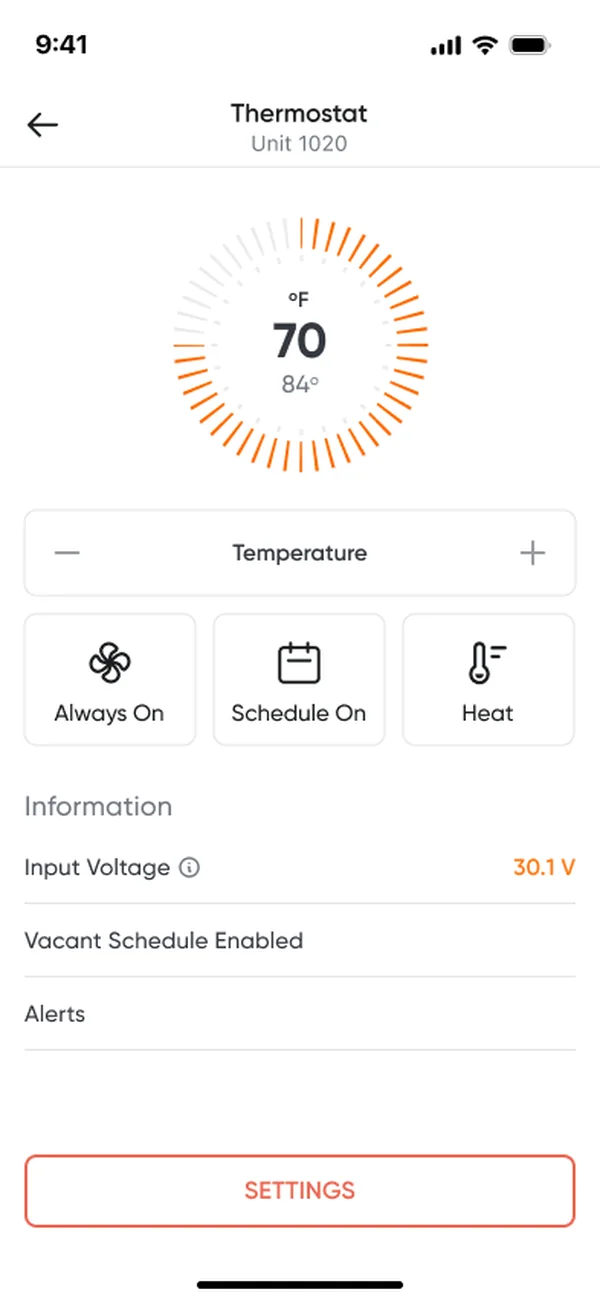
Step 2 · Hand over: checklist to handover
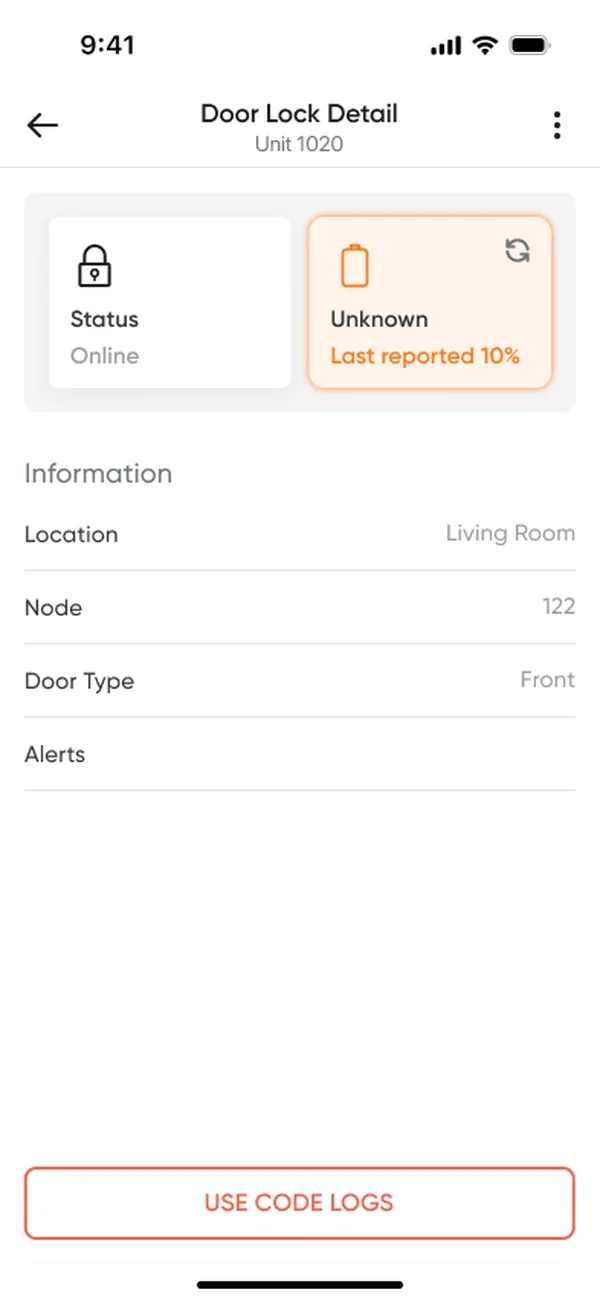
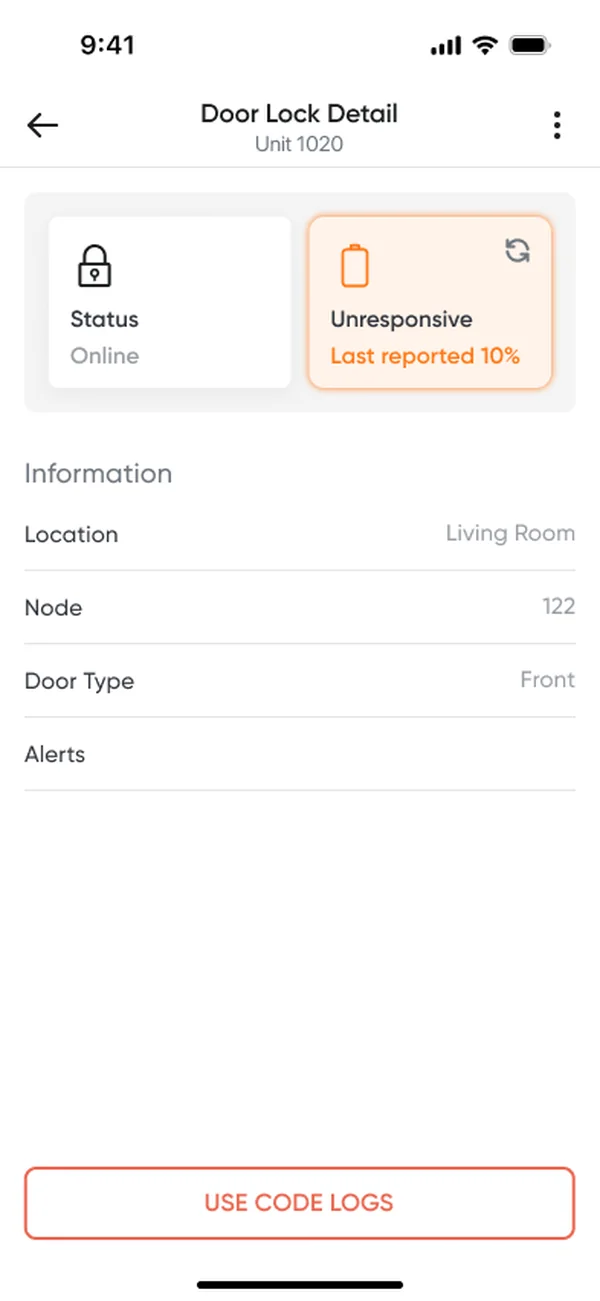
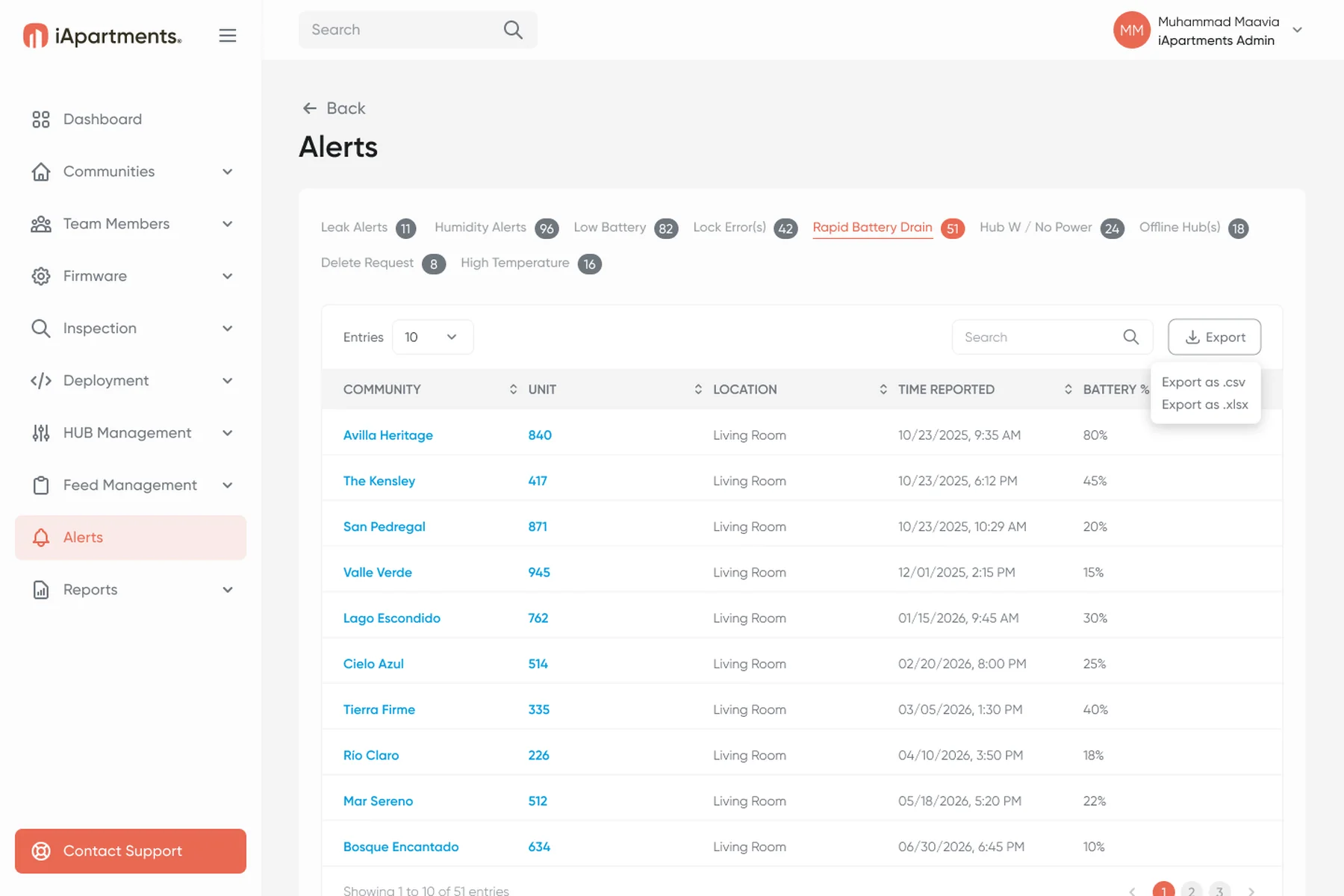
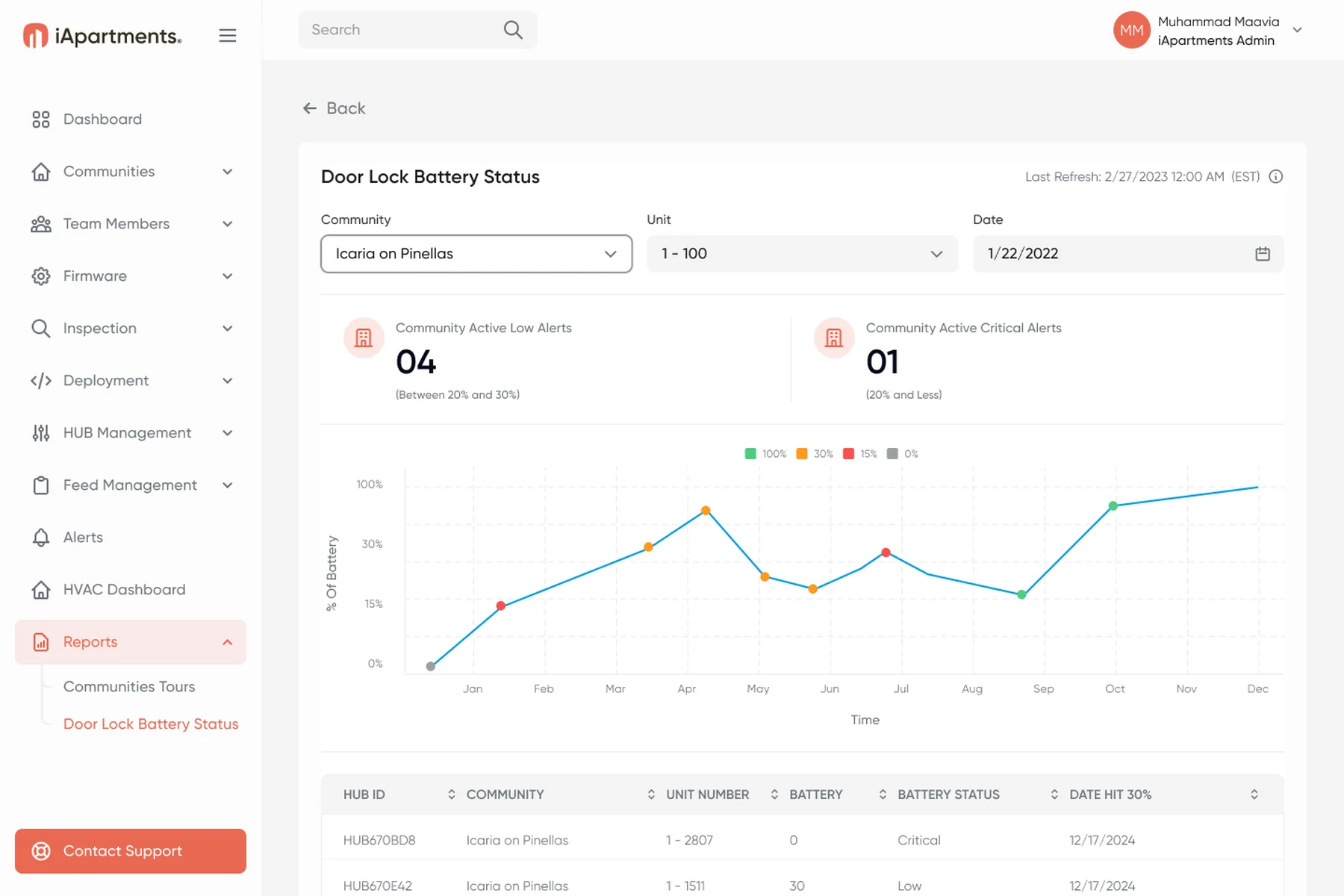
Step 4 · Respond: door lock battery alerts
The screen on the wall: three buttons, zero guesswork.
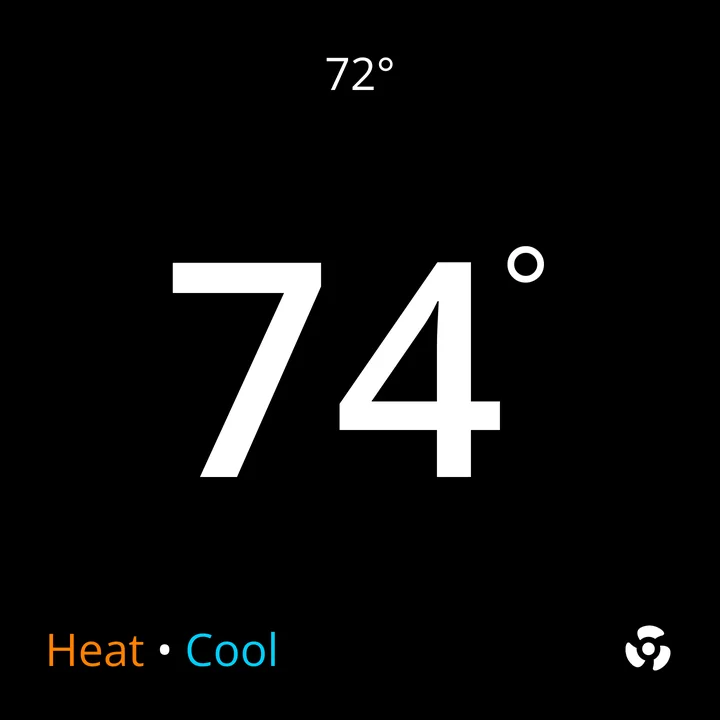
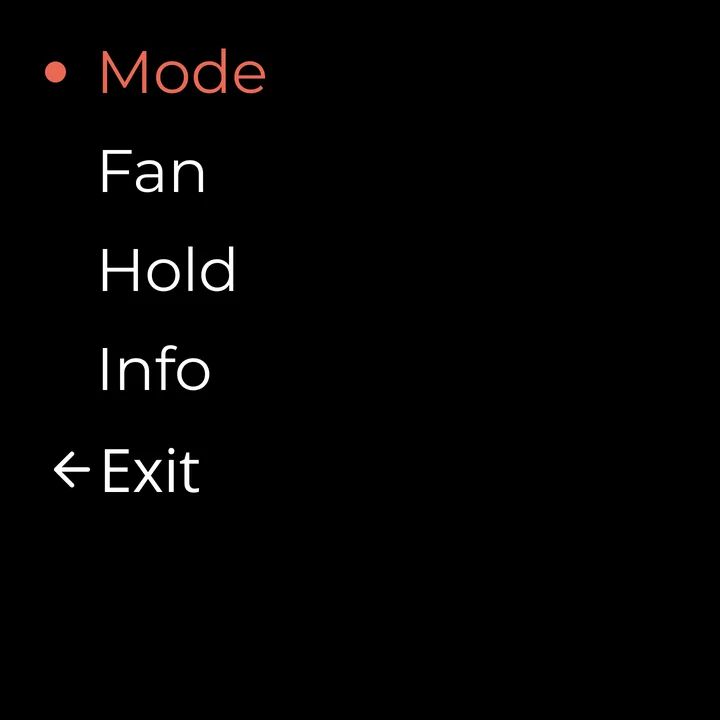
The in-unit hub doubles as the thermostat: a 480×480 screen driven by Up, Down and Center. I designed its screens, from daily comfort to installer setup and errors.
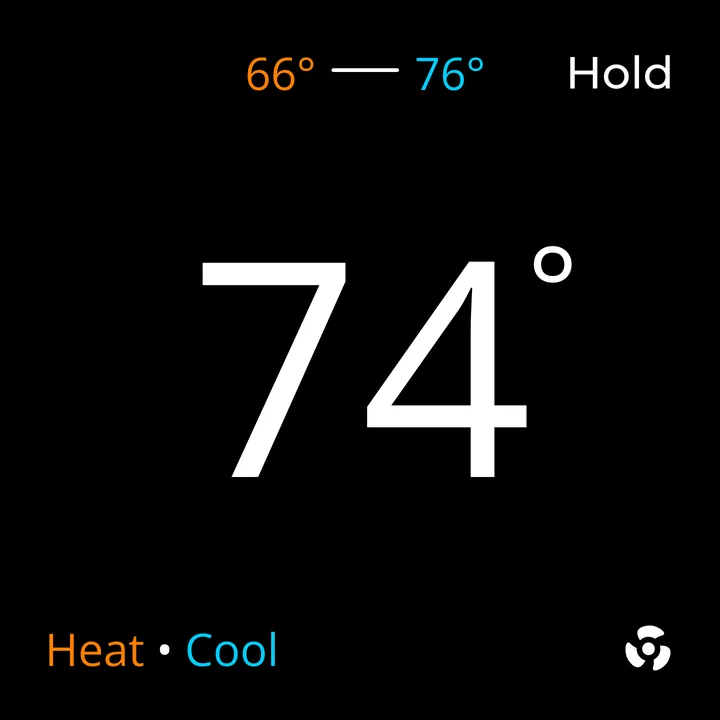
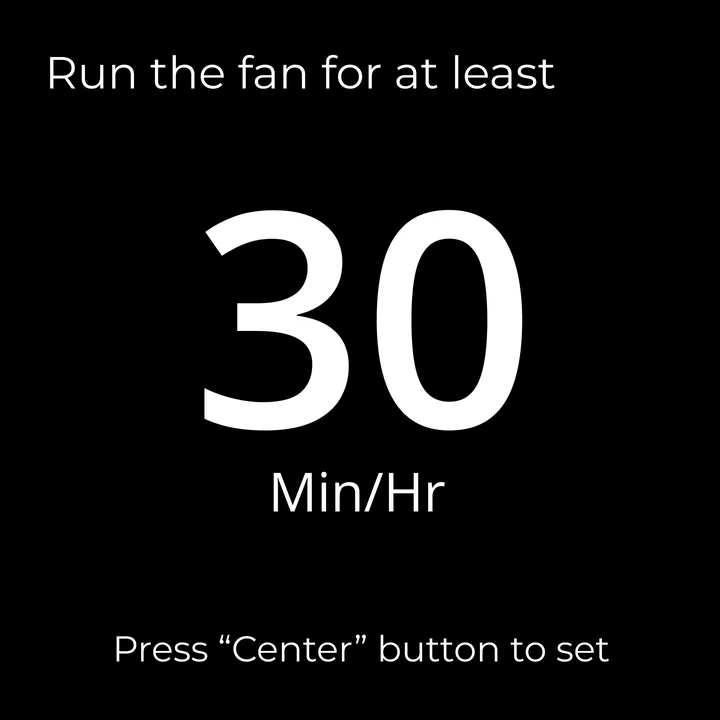
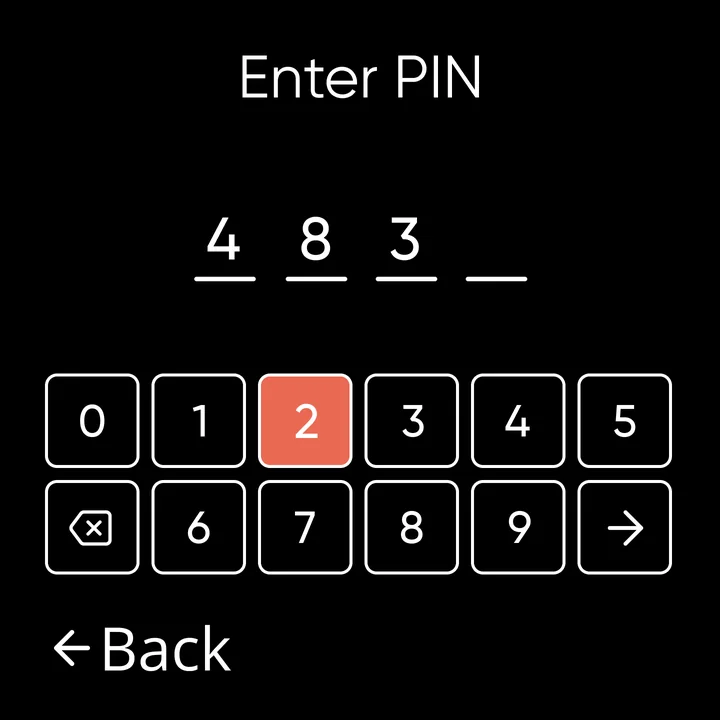
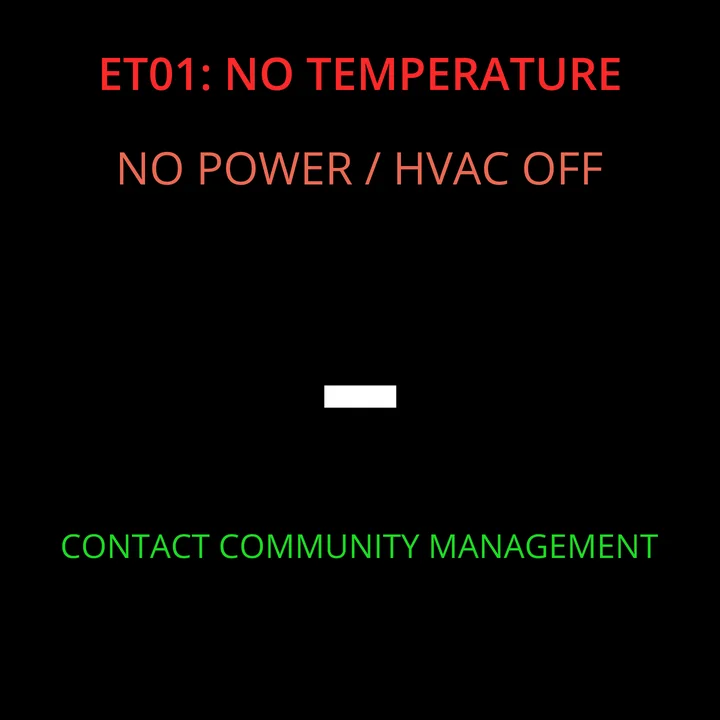
One big number
The setpoint leads; mode and fan sit at the edges.
Built for three buttons
Every menu is a short list with Back.
Errors that say what to do
ET01 tells residents to contact management.
From portfolio to unit, in three levels.
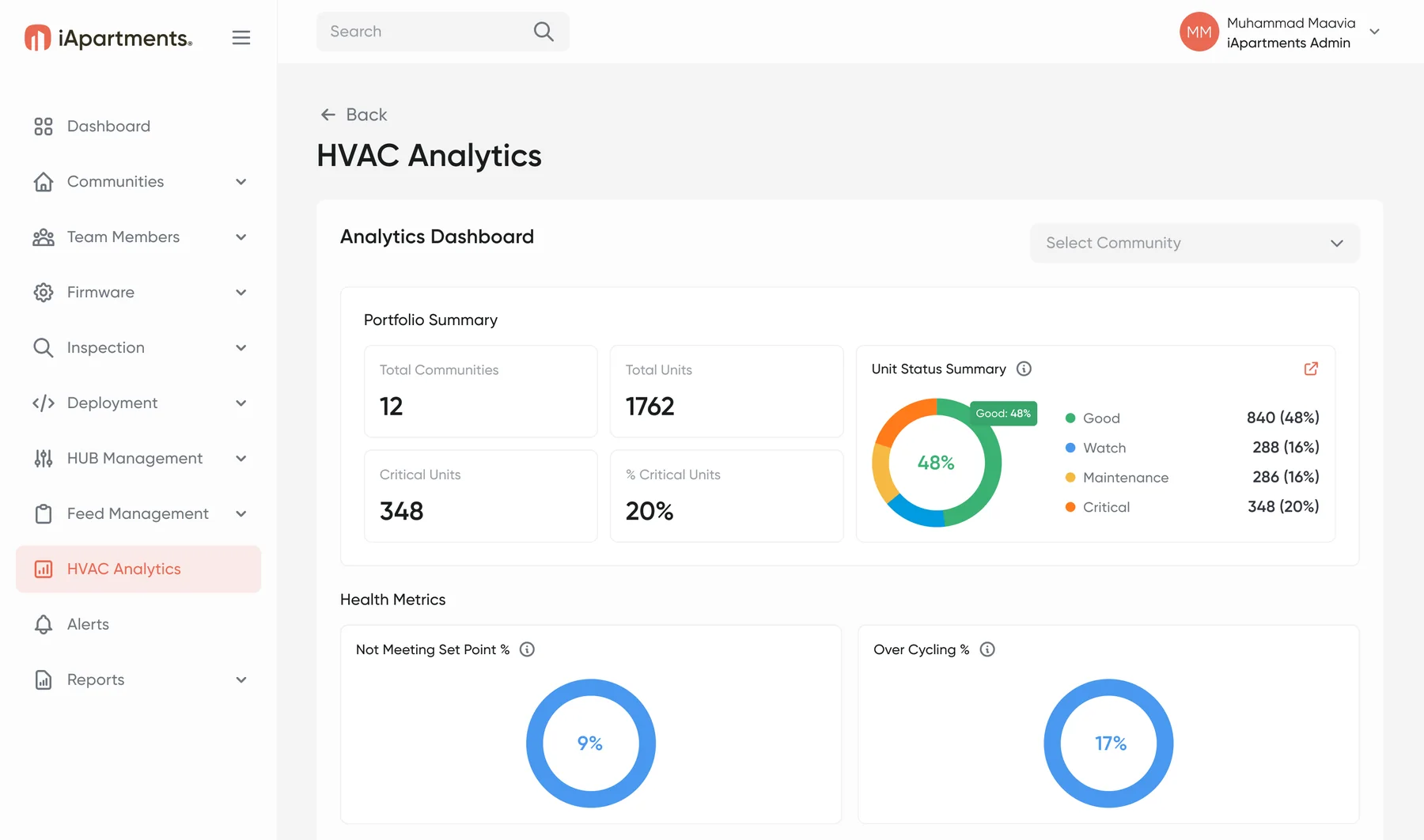
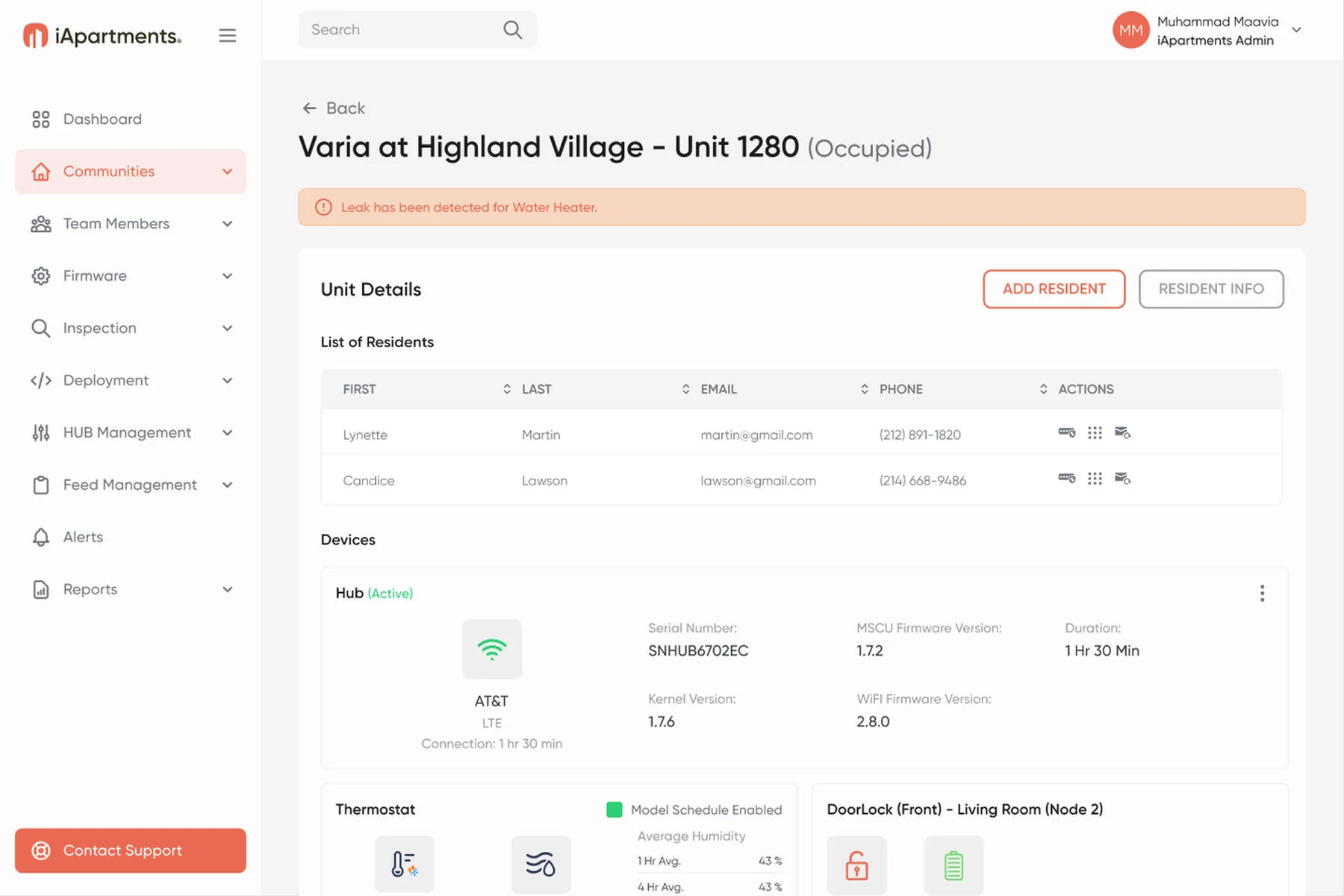
HVAC Analytics rolls runtime, cycles and alerts up from each unit to the portfolio. Managers start broad and drill into the unit that needs a technician.
TakeawayThe same unit data at three depths: portfolio, community and unit. Each role sees only what it can act on.
HVAC Analytics
Portfolio, community and unit levels.
Alerts for triage
Categorized, counted and filterable.
Clean PMS data
Conflicts reviewed side by side.
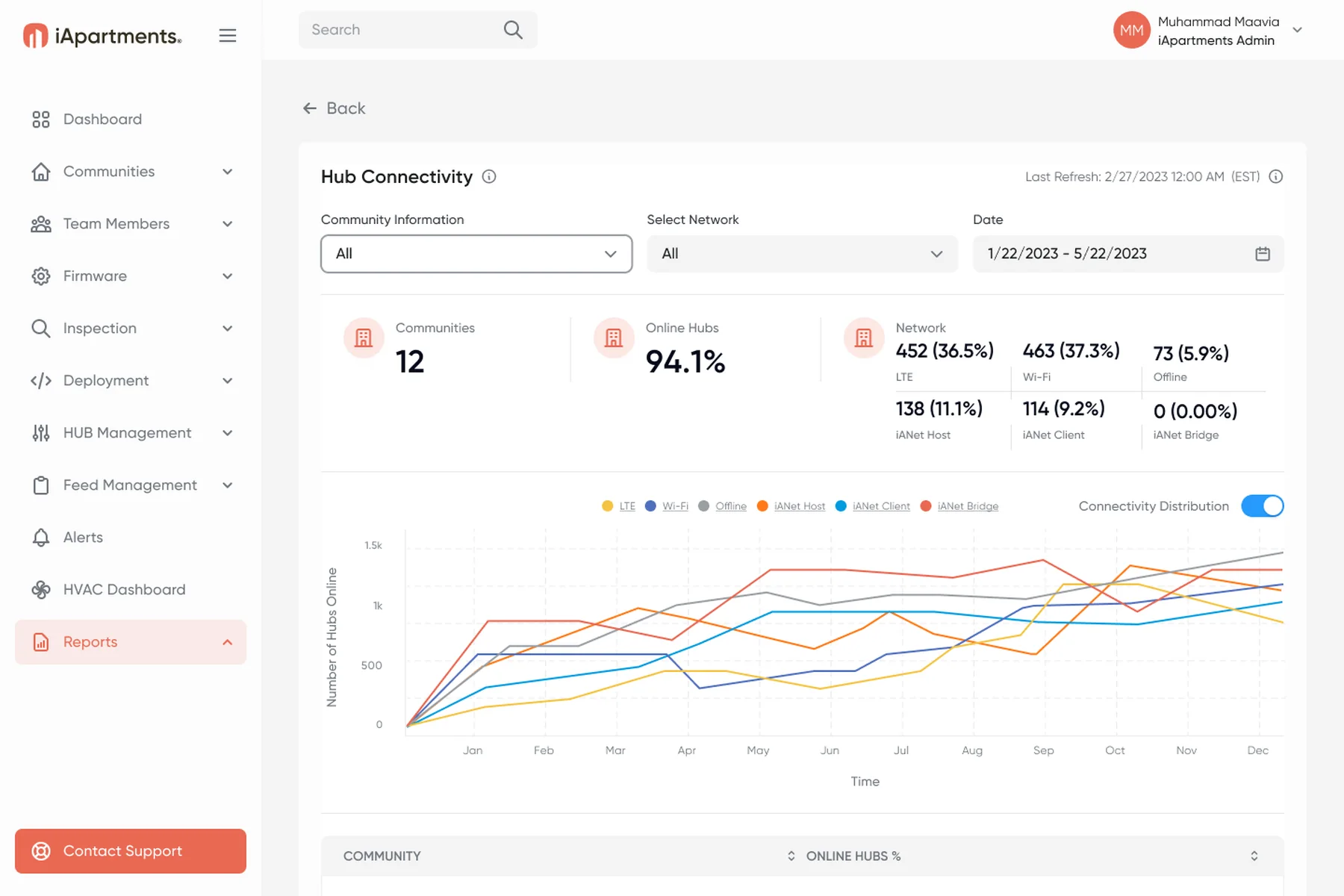
Also in the portal · 11 roles · 14 reports
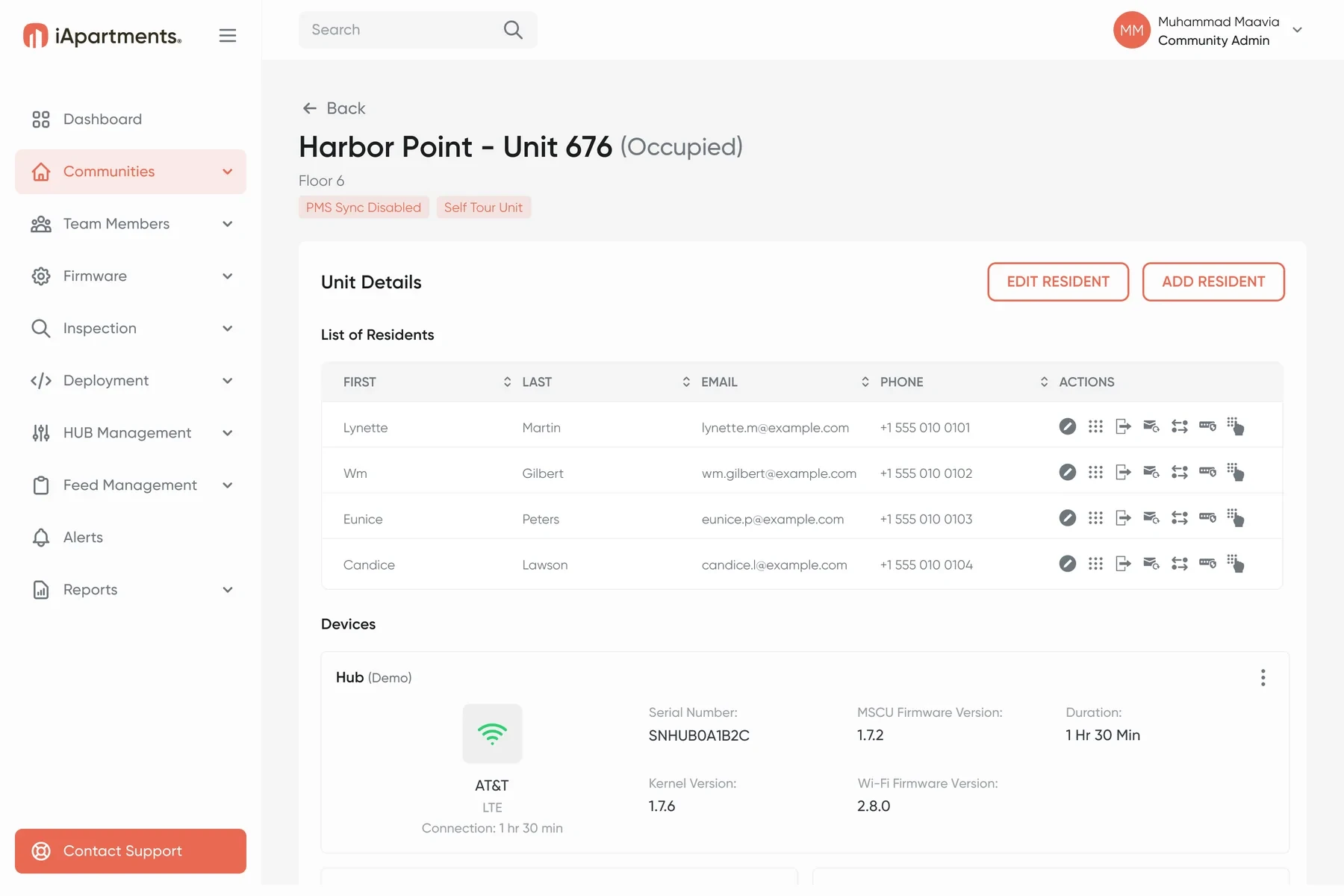
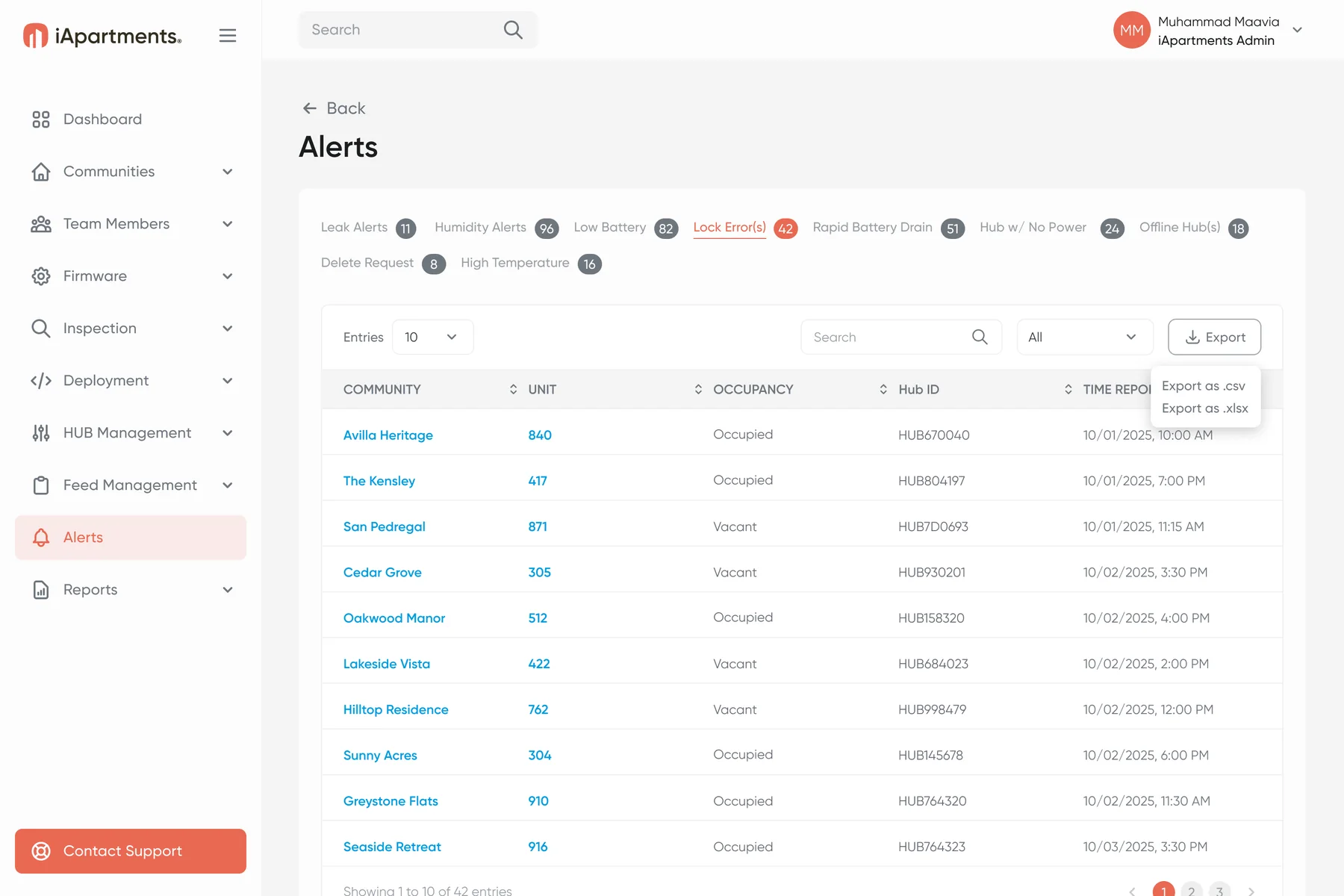
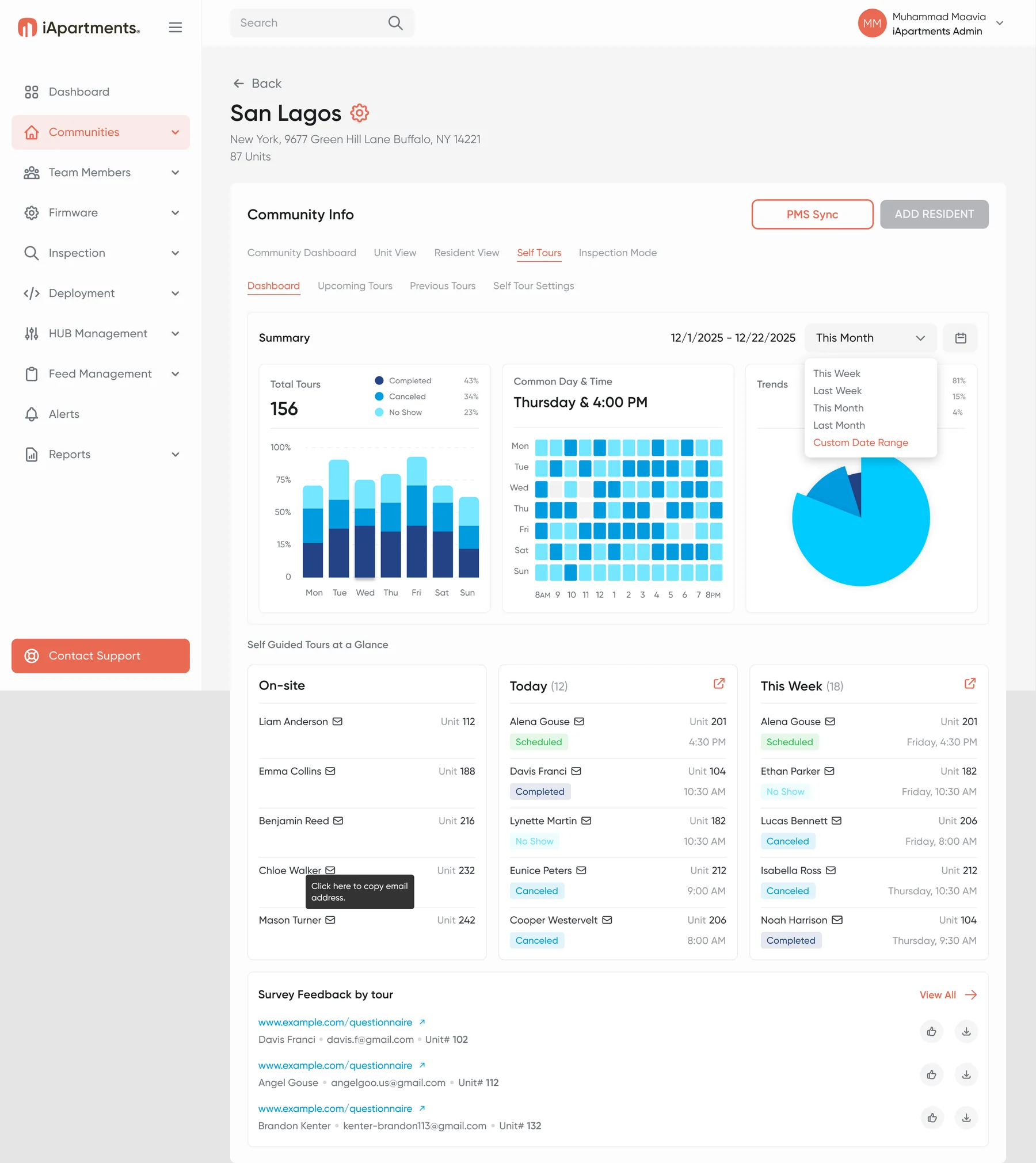
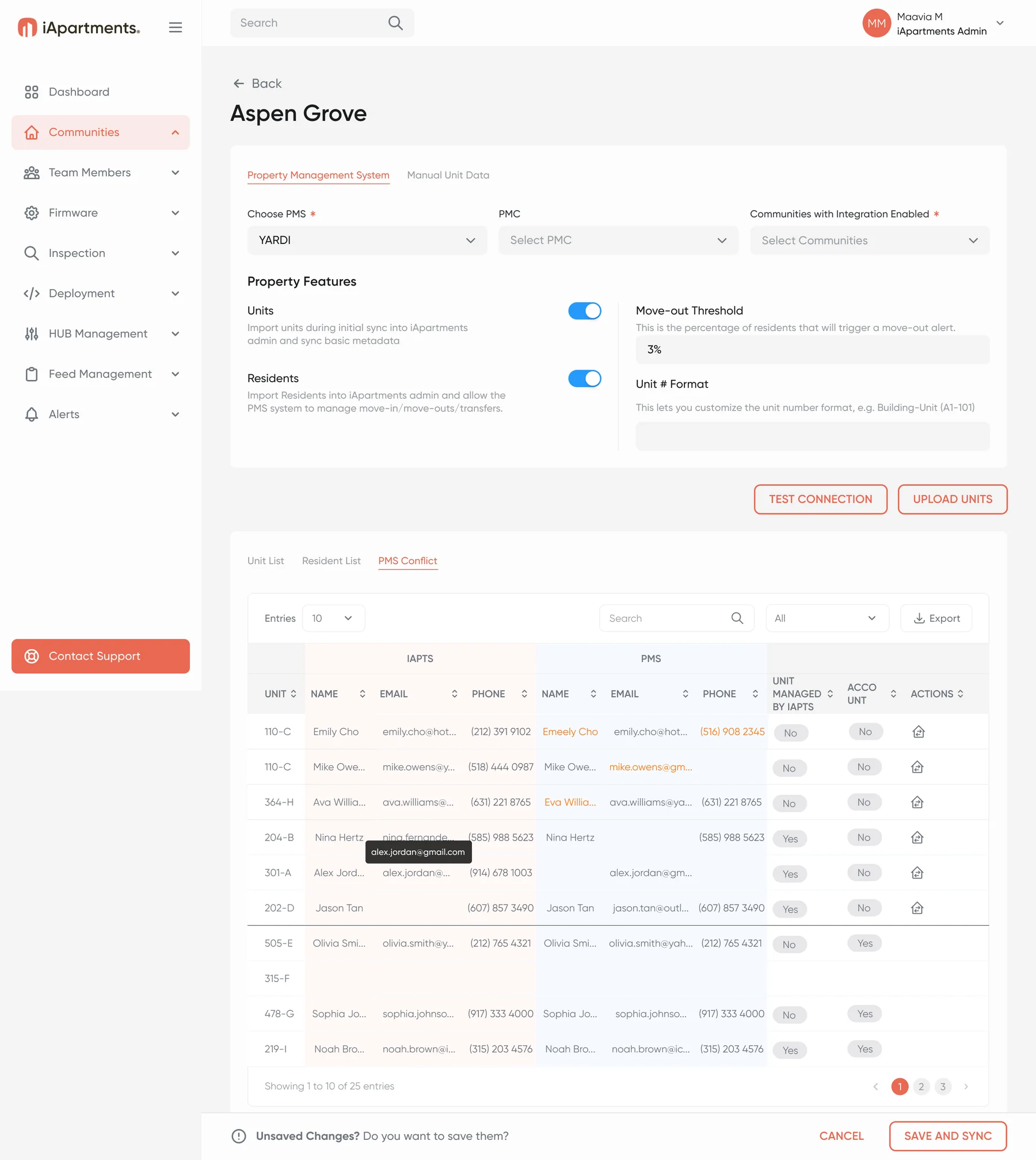
Steps 4–5 · Respond and improve: portal alerts and reports
The product, even in your inbox.
Activation, alerts and daily digests share one clean template: a coral status icon, one clear message and help one tap away.
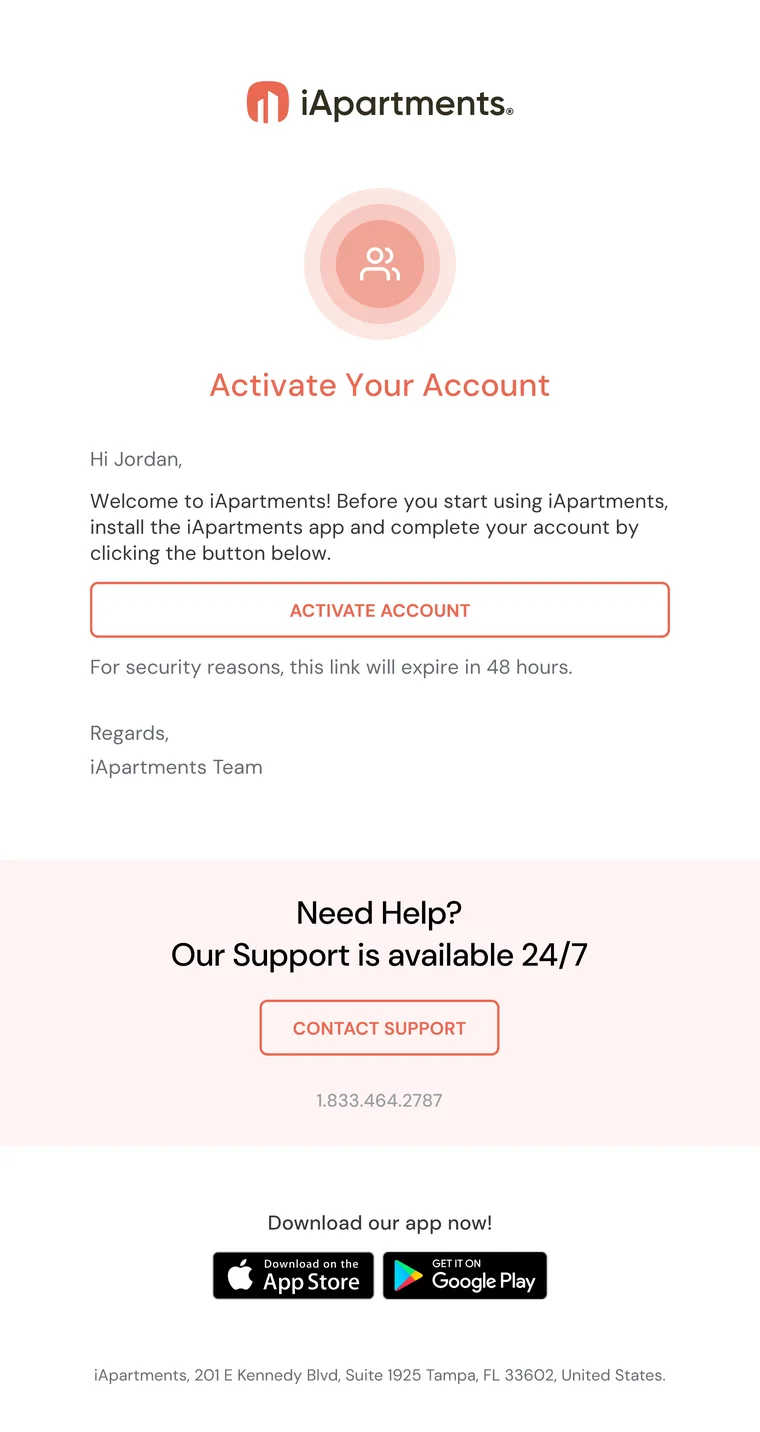
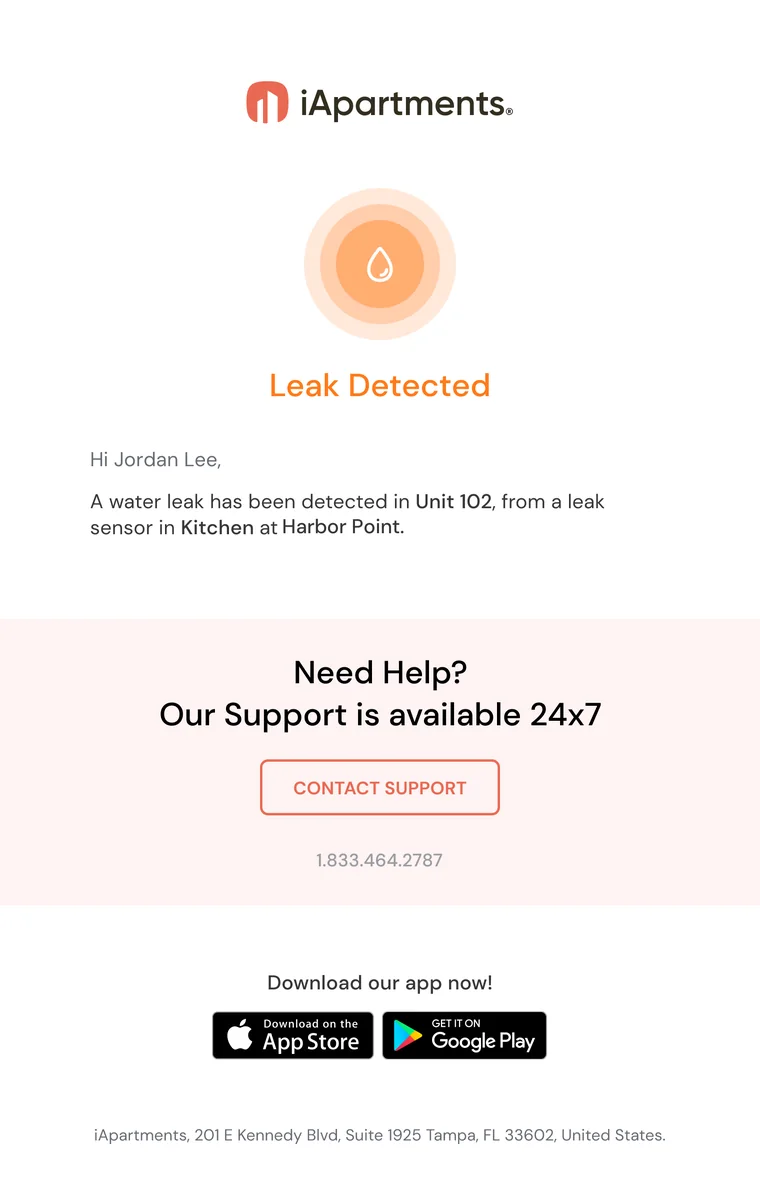
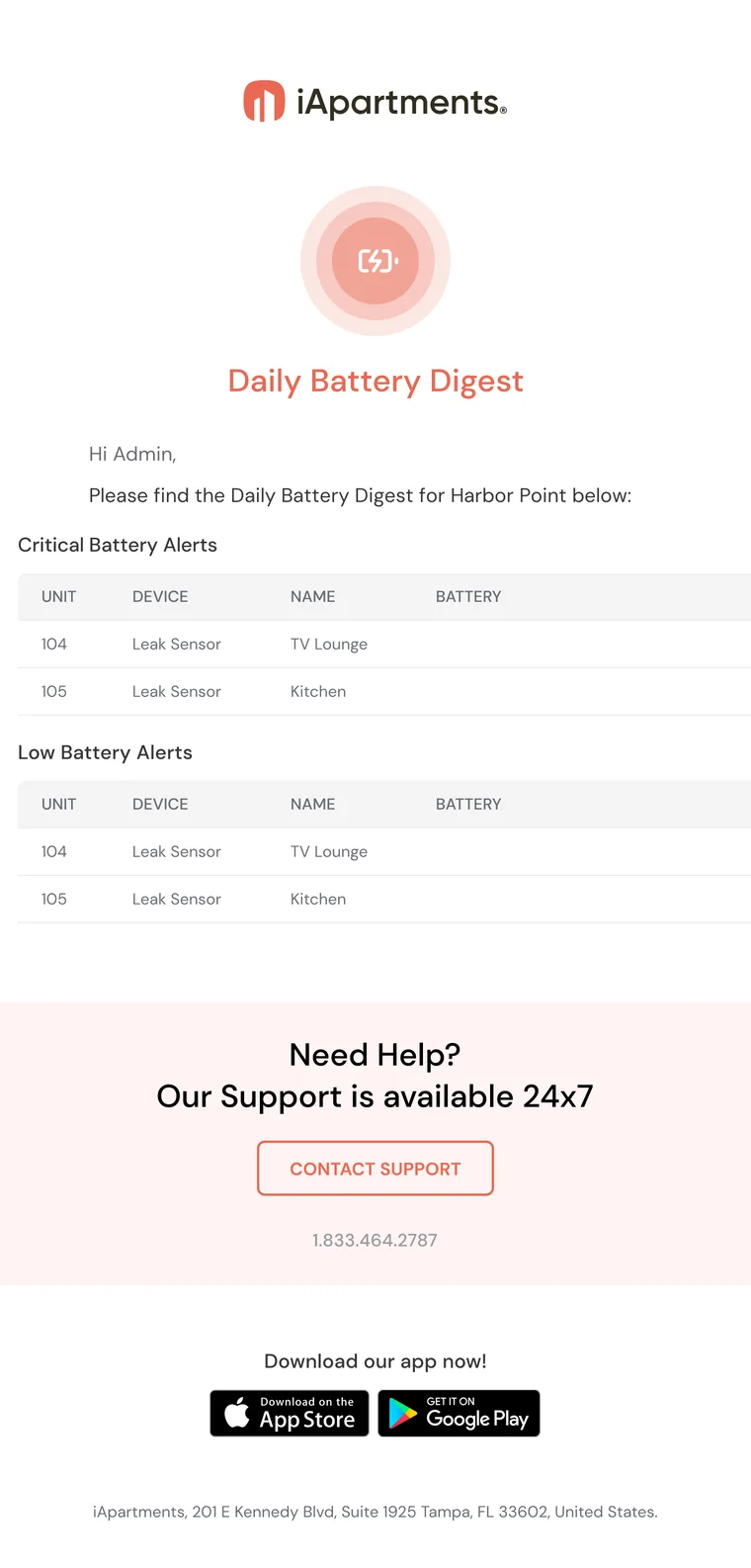
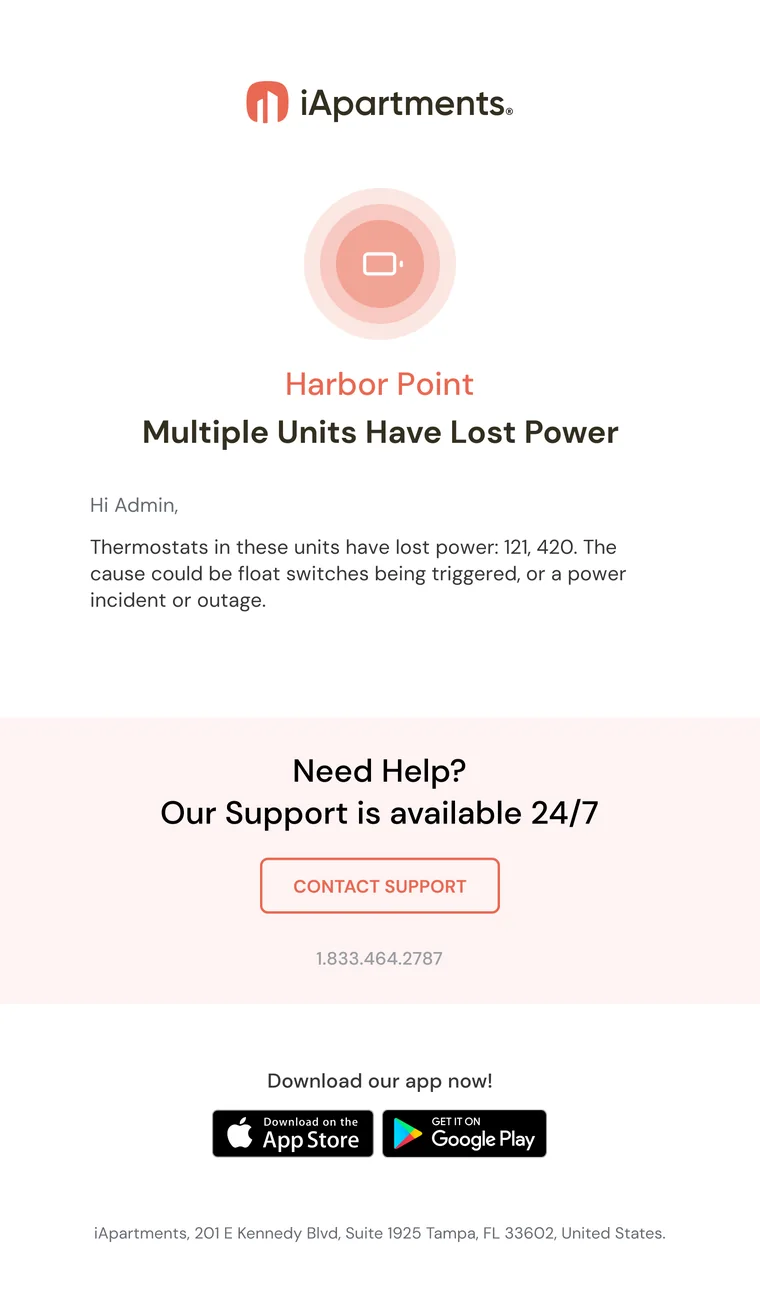
One template, many jobs
Icon, title, message and support card.
Status at a glance
A colored status icon and title on every message.
Mobile views too
Designed alongside the desktop layouts.
One visual language for every surface.
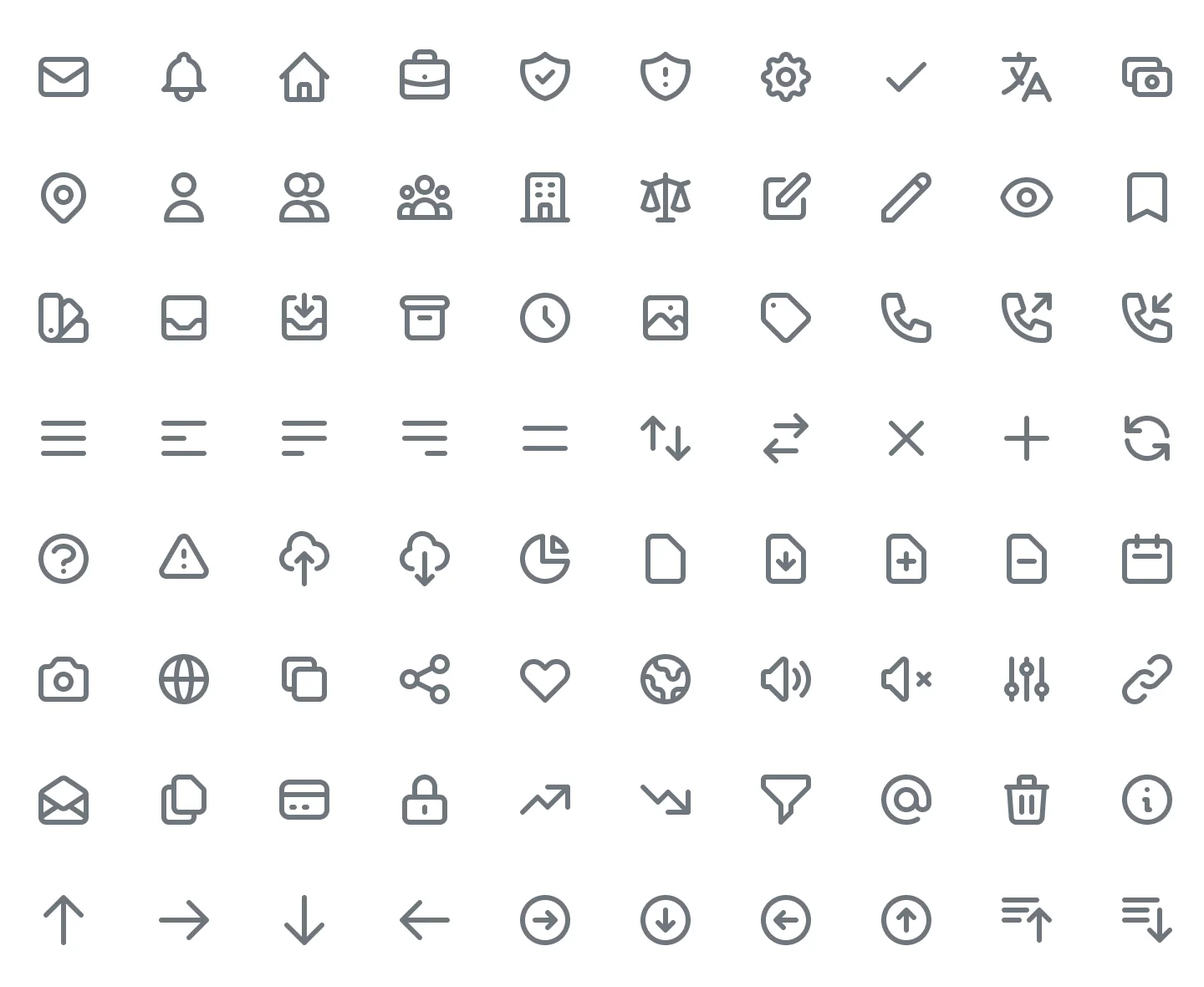
One type family, a coral-led palette, a 4/8-point rhythm and 480+ icons, shared across every surface.
Gilroy is the only brand typeface across the apps and the portal. SF Pro appears only inside iOS system components.
- H3 HeadingSemibold 32/42
- H5 Screen titleSemibold 20/26
- ButtonSemibold 16/24
- Subtitle 2 · list labelsMedium 14/18
- Small 1 · metadata and batteryMedium 12/16
From feature packages to an operations platform.
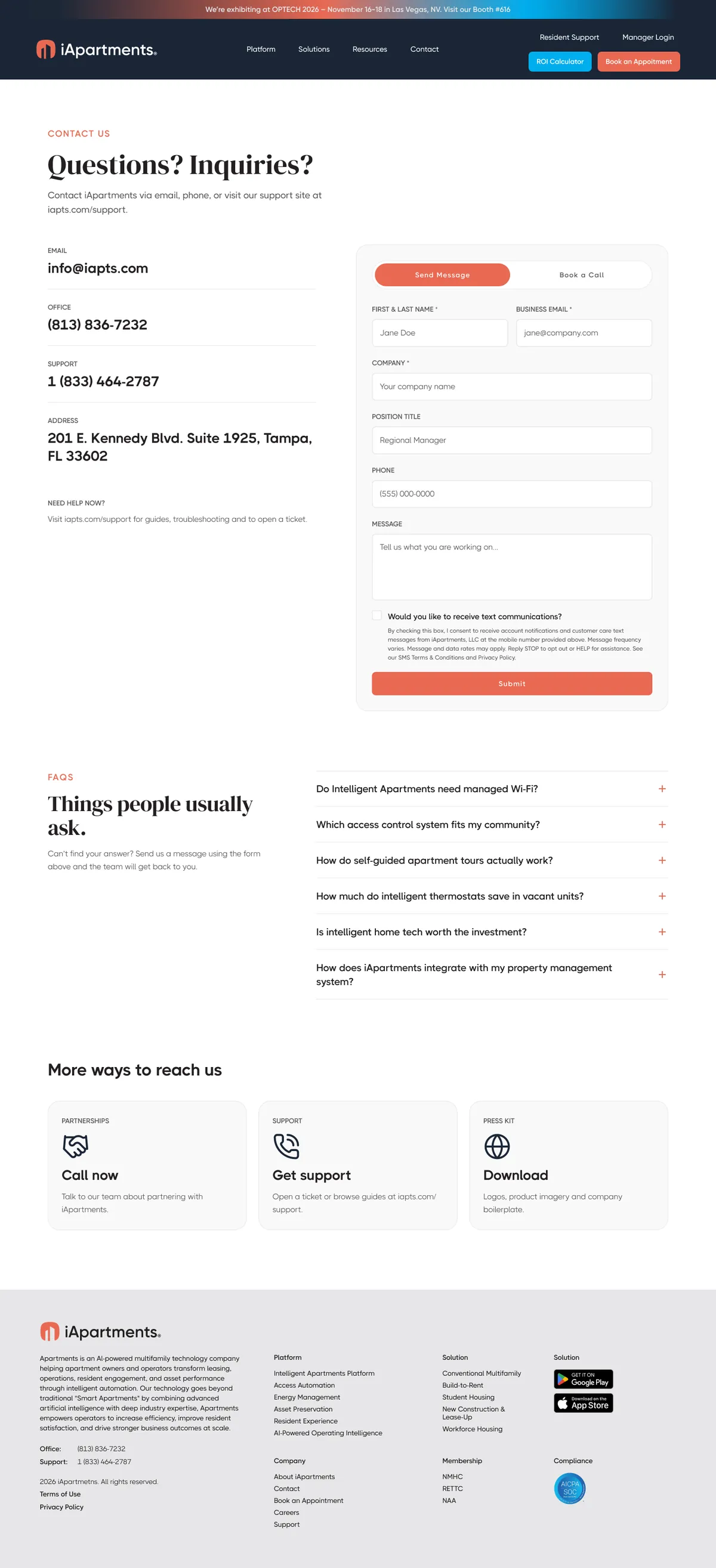
I designed the current iapts.com and its 2026 redesign, now in Webflow. It tells an AI-ready platform story, with real product UI as proof.



Scroll inside the laptop and the phone to see the full home page.
A clearer promise
Platform first, with two paths: ROI calculator or appointment.
Responsive type tokens
Web, tablet and mobile modes in Figma variables.
Product as proof
Dashboard, unit view, HVAC Analytics and tours.
More from the redesign


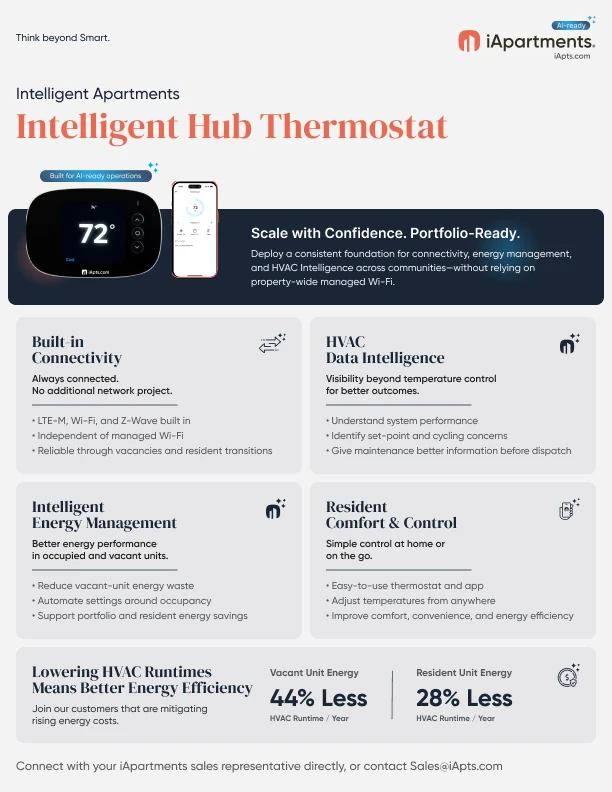
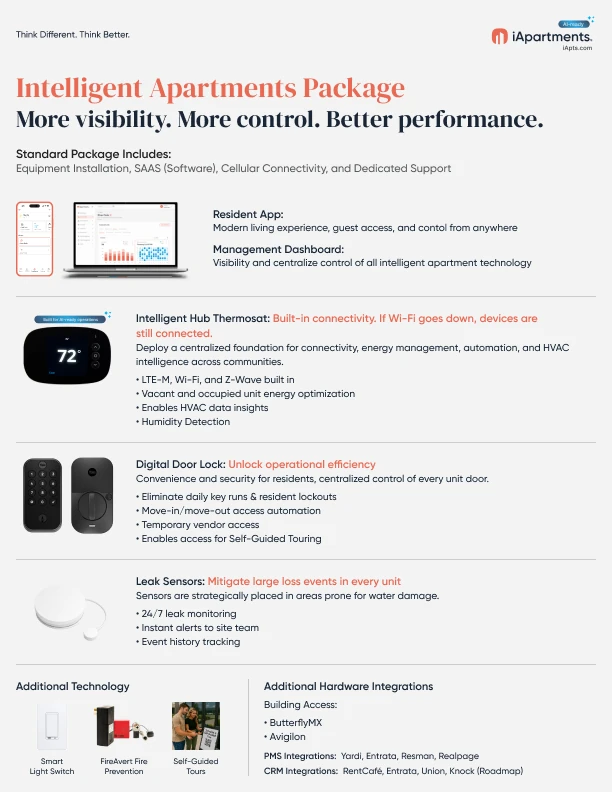
Marketing material · one-pagers and a white paper
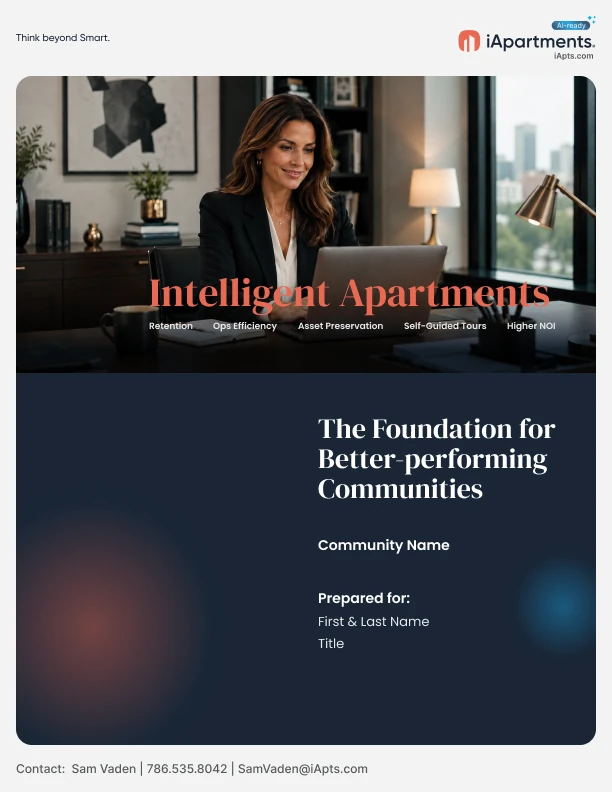
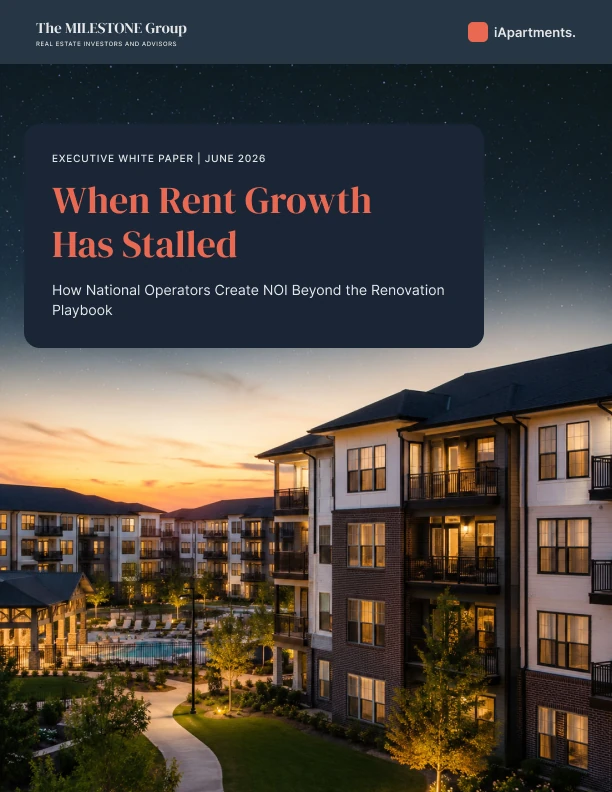
Live, rated and used, with more to measure.
Every number has a source. Platform outcomes are company-published, not design-only.
App Store rating
6,612 ratings · Sep 2026Google Play downloads
Sep 2026less HVAC runtime
One 348-unit community · iApartments case studyscreens and states, designed dev-ready
Apps 1,291 · portal 458 · hub 87 · emails 92
A team badge from DPL for delivering a significant milestone on iApartments. Also recognized with DPL’s Commitment and Contribution badges in 2024. See all honors
“I have had the pleasure of working closely with Maavia for the past two years, and I can confidently say that he is an exceptional product designer who consistently goes above and beyond to create first-rate product experiences.”
What the team said
“Maavia is a wonderful UI/UX designer with an instinct for user experience and always comes in with a strong user facing point of view. He is quick, responsive and takes initiative to ensure that the organization goals are best supported. He was a real pleasure to work with during my stint at iApartments.”
Offline is a feature
The “hub is down” state mattered as much as the happy path.
The role decides the view
One unit, many roles: each sees only what it can act on.
Instrument from day one
Agree metrics before build: pairing success, time per install, alert response.
Live on iOS & Android.
See the resident app in the stores, or visit the website.
Screens show demo data; names are fictional. Designed by Muhammad Maavia, 2022–2026.
Leave a like
A quick human check keeps likes honest. One like per visitor.